We use cookies to analyze traffic and enhance your dark aesthetic experience. By clicking "Accept", you agree to our data protocol.
Free Image Darkener: Dim Photos Online
The ultimate browser-based picture darkener. Need to make a picture darker or darken background of photo without washing out the colors? Use our Smart Darken tool to instantly generate a deep blackout picture, or explore our dark aesthetic filters to dim photos with a single click.
5.0/5.0 Rating on Chrome Web Store
The Evolution of Darkness: 3 Clicks to Perfection
See how the Neural-Bake engine transforms an overexposed photo.
ORIGINAL (TOO BRIGHT) 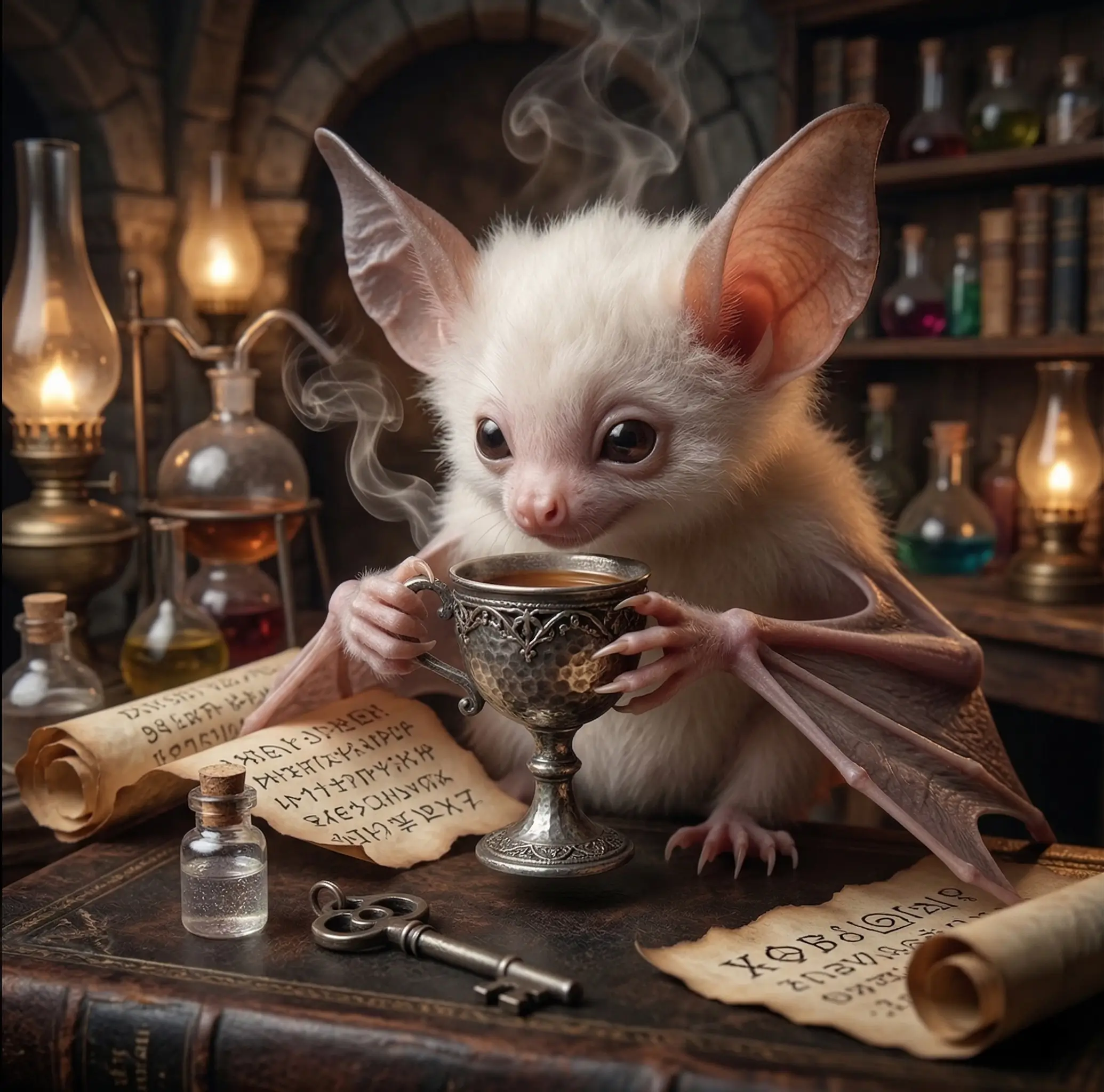
IMAGES DIM 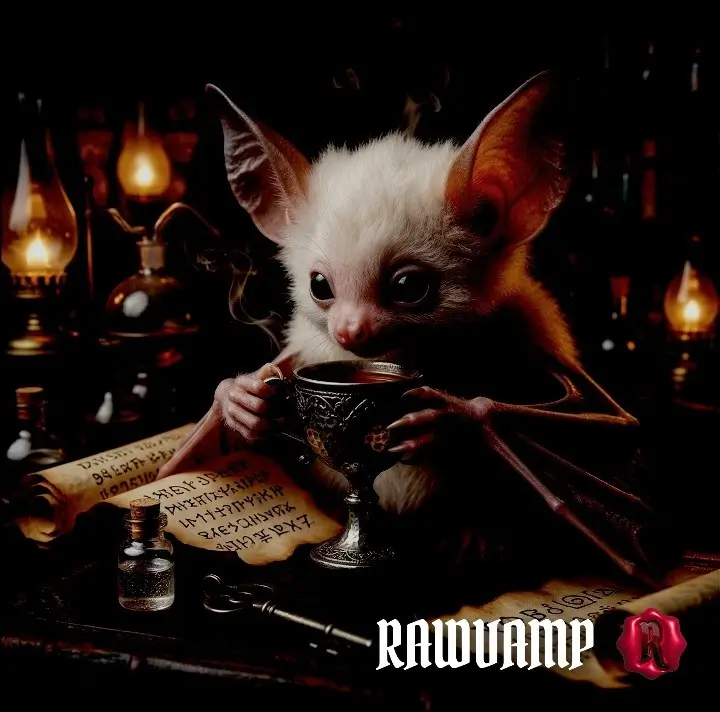
BACKGROUND DARKER 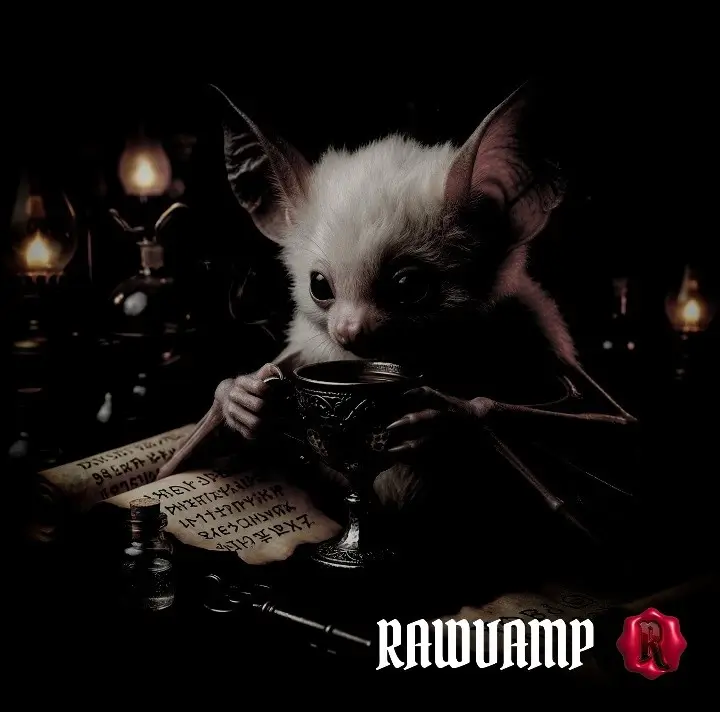
PITCH BLACK PHOTO 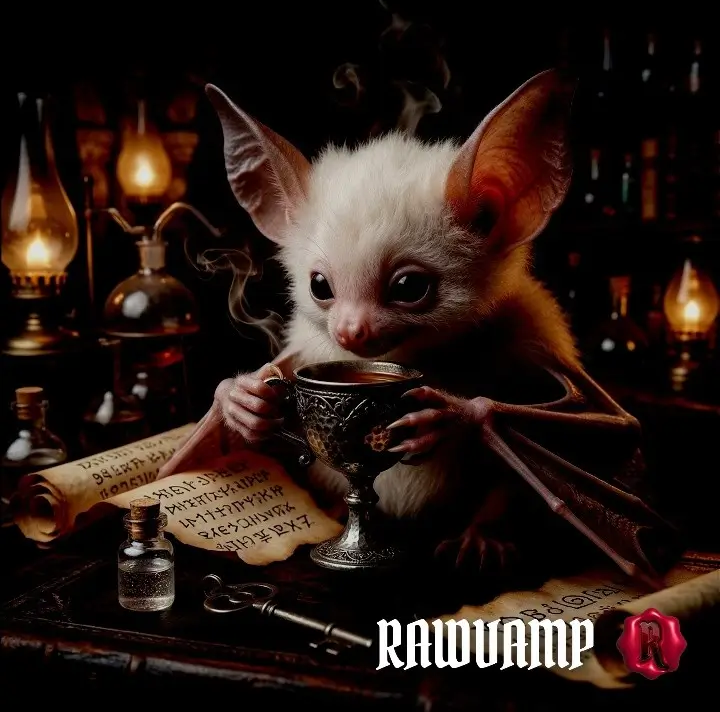
How to Make a Picture Darker
1
Upload the Image
Click the action button above to enter the picture darkener. The app processes 100% locally.
2
Dim Photos Instantly
Tap the Smart Darken button, or manually adjust Exposure to darken background of photo details.
3
Save Your Blackout Picture
Click export to download your newly darkened pitch black photo instantly in high-resolution.
RawVamp Neural-Bake WebGL Engine vs. The Rest
Stop relying on basic cloud wrappers. When you use generic tools like Canva or PineTools to darken images online, they simply drop the brightness slider. The result? Your pictures look muddy, flat, and gray. On the other end, heavy desktop suites require expensive subscriptions just to use a color darkener.
We engineered a better way. As detailed in our digital decay manifesto, RawVamp is powered by a custom WebGL Engine. Instead of manually tweaking curves, our Smart Image Darkener acts as an automated digital darkroom. With one click, it dynamically maps shadows, protects deep blacks, and allows you to make an image black or apply a thick blackout tint without losing raw fidelity.
Absolute Control over Darkness
The Smart Darken button cycles through an elite library of atmospheric profiles.
Dim Photos
Need to slightly dim photo lighting? Drop the exposure while keeping midtones perfectly balanced.
Background Darker
Use the engine to darken background of photo. Focus the viewer's eye by crushing external light.
Color Darkener
A true color darkener. Push down the brightness but maintain rich, saturated hues in your artwork.
Blackout Picture
Need a very dark picture? Use the threshold limits to make an image black entirely.
Total Darkroom Control: Take the Wheel
Don't want to rely on the automated Smart Darken algorithms? We give you the keys to the engine. If you want to manually craft a custom shadow overlay, perfectly darken background of photo layers, or completely destroy the lighting to make an image black, you can use our dedicated Darkness (Tone Protocol) Panel located on the right side of the editor.
- Illumination (Exposure): Drop the light instantly to darken picture highlights without losing high-resolution fidelity.
- Brutality (Contrast): Crank it up to deepen shadows, allowing you to easily dim photos or create a heavy blackout picture effect.
- Color Mastery (Saturation): The ultimate color darkener. Fade out the colors for a bleak look, or boost them to match our Y2K and Grunge presets while the background fades to black.
These manual sliders are fully GPU-accelerated. You get real-time feedback as you adjust your darkness filter, allowing you to perfectly dial in your pitch black photo without any lag. If you prefer random chaos, try passing your image through the Cursed Generator.
Image Darkening FAQ
How to darken an image online for free?
Simply upload your file into our image darkener. Use the Smart Darken Image button to cycle through elite profiles, or use our manual sliders to make image darker instantly in your browser without creating an account. Perfect to darken picture online quickly.
Will using a dark filter ruin my photo quality?
No. When you darken photo online with RawVamp, our algorithm protects the micro-contrast. Unlike tools like Canva that just drop brightness, our dark filter ensures your dark mode pictures stay crisp and export in lossless high-resolution.
Can I apply a negative photo filter or create an evil photo?
Yes. Besides standard tools to dim photo layers or add a darkness filter, our editor includes advanced inversion settings. You can easily apply a negative photo filter or tweak the RGB channels to generate a stylized, high-contrast evil photo aesthetic instantly.
Is this tool good for an aesthetic PFP?
Absolutely. If you want to create an aesthetic pfp, a y2k pfp, or a black pfp aesthetic avatar, our engine gives you the exact tools you need. Lower the exposure to make an image black, apply a deep blackout tint, and crop your image to a perfect 1:1 square.
How can I add a shadow overlay to my picture?
Instead of using fake plastic PNGs, you can make a picture darker natively. Lower the brightness and increase the contrast slider in the right panel to create a natural shadow overlay that blends perfectly with your original image structure to darken background of photo.
Do I need to download an app to use this picture darkener?
No downloads are required. RawVamp is a fully browser-based darken app and picture darkener. You can darken images securely on your phone or desktop, as all processing happens locally on your device with zero cloud uploads.
What makes RawVamp a good color darkener?
Standard apps just lower the brightness, turning everything gray. Our color darkener engine is designed to selectively lower the exposure of shadows and highlights while protecting the saturation of your midtones, ensuring your photo remains vibrant even when fully darkened.
Why does Instagram darken my photos?
Instagram applies its own harsh compression algorithms when you upload. To prevent this, use our image darkener first to establish the exact settings to make darker images seem interesting before uploading, giving you absolute control over the final look.