We use cookies to analyze traffic and enhance your dark aesthetic experience. By clicking "Accept", you agree to our data protocol.
Black and White Photo Converter
Turn photo black and white instantly with zero quality loss. Stop using basic desaturation sliders. Our professional black and white photo converter processes images through 50+ native analog matrices, including cinematic Noir and the legendary red filter black and white effect.
5.0/5.0 Rating on Chrome Web Store
Monochrome Mastery Showcase
A single anime sacrifice, processed through our 4 core logic systems for ultimate aesthetic diversity.
ORIGINAL SACRIFICE 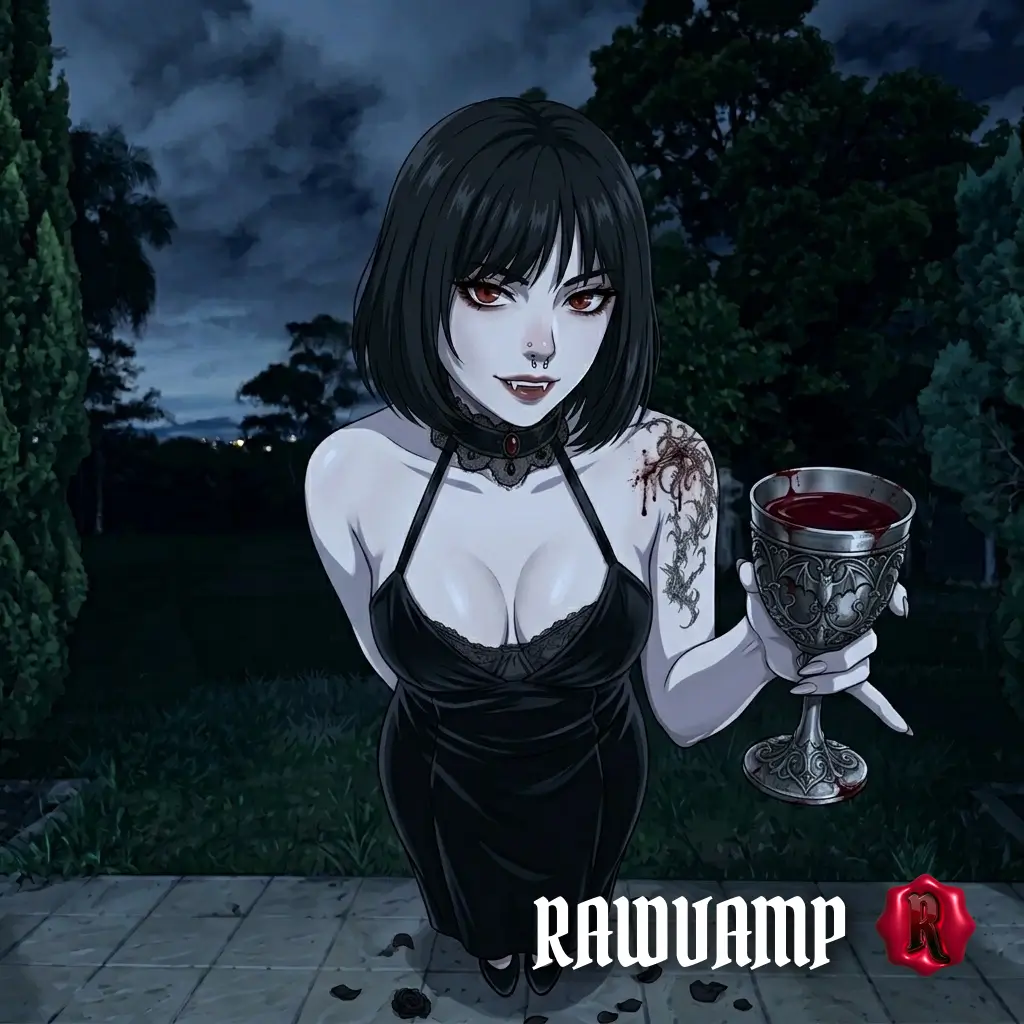
THE PROTOCOL (MAIN NOIR) 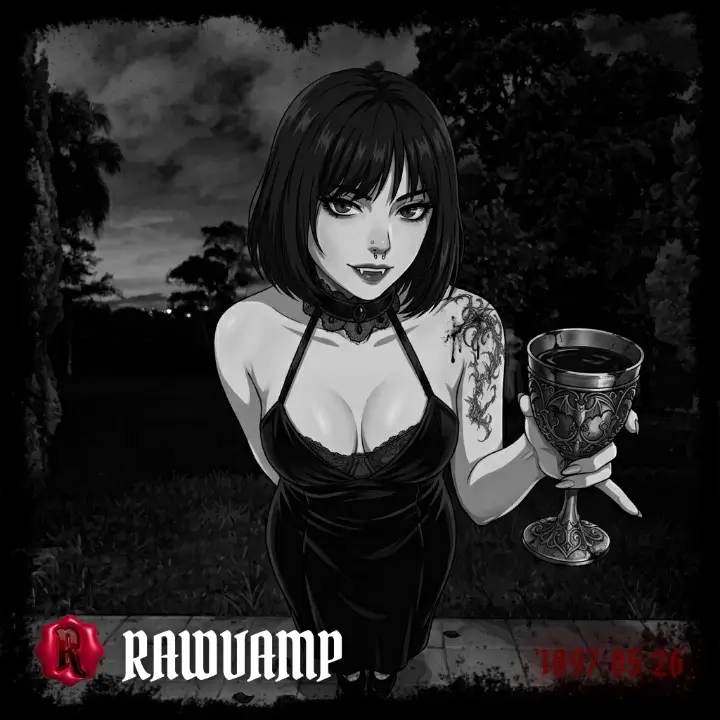
CLASSIC MONOCHROME 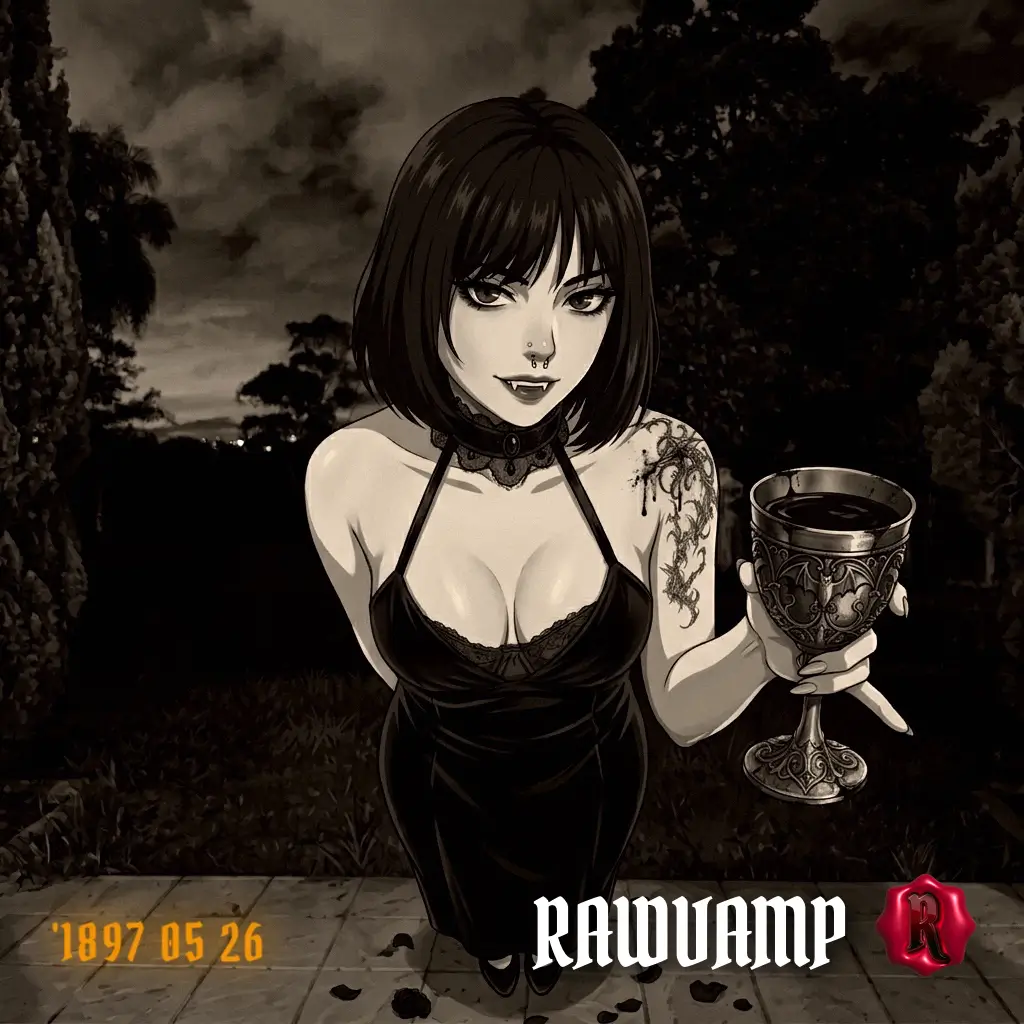
PLATINUM PRINT AESTHETIC 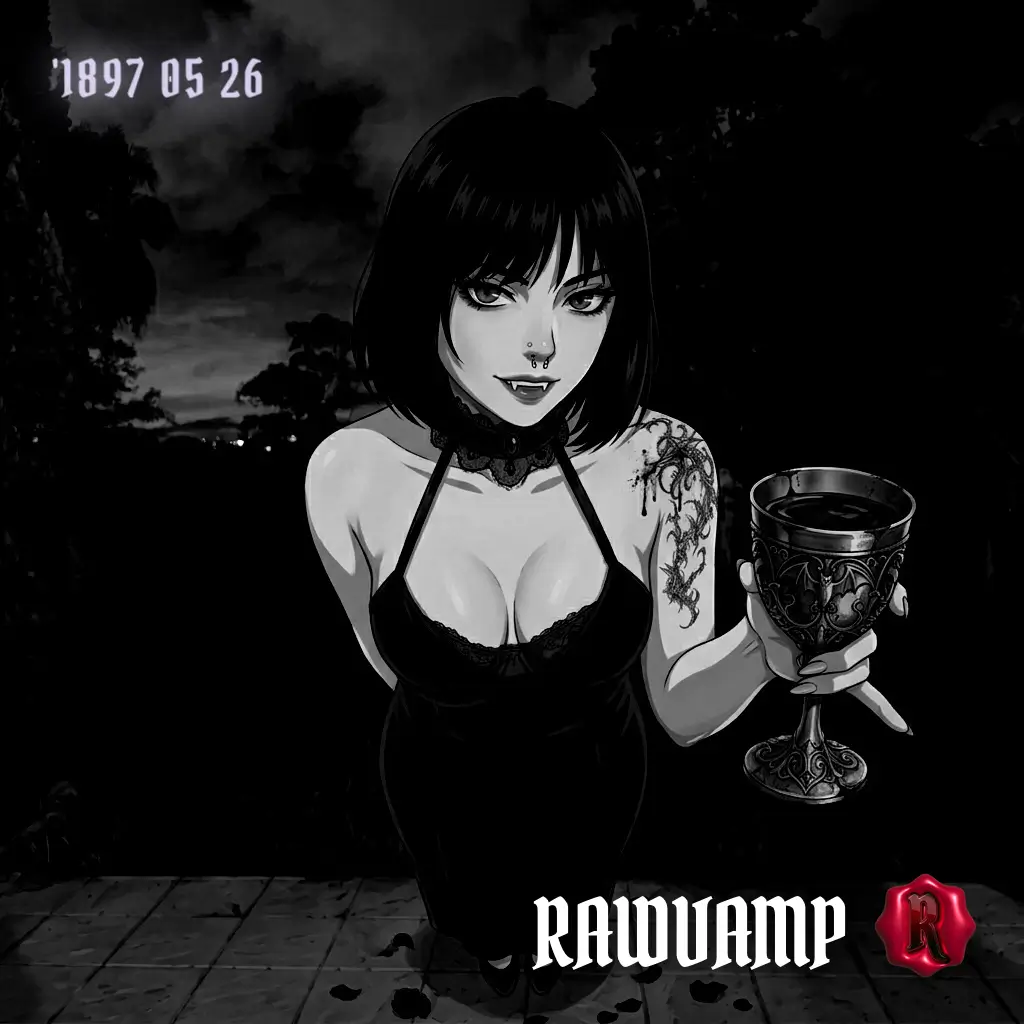
How to Turn Photo Black and White
1
Load Your Image
Upload any JPG, PNG, or WEBP file into our secure black and white photo converter. Processing is 100% local.
2
Initialize the Engine
Click the Yin-Yang B&W icon in the toolbar. The engine will instantly turn photo black and white using advanced luminance tracking.
3
Cycle the Film Profiles
Keep clicking the B&W button to shuffle through 50 historical film aesthetics, including the red filter black and white look.
The Anatomy of Digital B&W
If you want to know how to create a true cinematic black and white pfp or a dramatic noir aesthetic, simple desaturation won't work. When basic phone apps turn a photo black and white, they map all colors to a flat gray value. The result is a muddy, uninspiring image that lacks depth.
RawVamp’s black and white photo converter works differently. Our WebGL Engine procedurally maps color channels using historic film matrices. When you click the button, the algorithm decides how red, green, and blue light should interact with virtual silver halide crystals. You don’t get a flat gray image. You get a rich, cinematic pitch black picture that honors the legacy of analog photography.
Discover Your Vibe
What you can create with the Monochrome Engine.
Cinematic Noir
Achieve that intense, high-contrast look characterized by crushed blacks and stark lighting, perfect for dramatic storytelling.
Red Isolation
Use the powerful red filter black and white setting to isolate crimson tones against a bleak, monochrome background.
Vintage Film
Replicate the chemical baths of the 1900s. Emulate Silver Gelatin or Lith Prints for an authentic analog aesthetic.
Aesthetic PFP
Need a clean, moody black and white pfp for your social profiles? Create a flawless square avatar in seconds.
Explore 50+ Native Analog Profiles
Why settle for one gray slider? Our B&W engine calculates true pixel matrices to simulate real darkroom chemical processes.
THE CLASSICS
- Classic B&W
- Silver Gelatin
- Ansel Red Filter
- Platinum Print
DARK & GOTHIC
- Gothic Noir
- Obsidian Black
- Catacombs
- Absolute Void
EXPERIMENTAL
- Infrared Ghost
- X-Ray Film
- 90s Xerox
- Lith Print
MANUAL OVERRIDE
Total Darkroom Control: Take the Wheel
The engine builds the foundation, but you are still the master. Once the black and white photo converter applies a profile, you can manually fine-tune the shadows, crush the contrast, and add authentic film grain.
Luminance Control
Drop the exposure to instantly kill harsh daylight highlights and create a brooding, pitch black picture base.
Contrast Crushing
Push the contrast up for a harsh, striking cinematic look, or drop it low for a faded, nostalgic gray wash.
Analog Grain
Apply custom noise and texture overlays to simulate a genuine vintage camera filter ai aesthetic.
Negative Inversion
Toggle the invert switch to flip the luminance map, creating surreal, high-contrast X-Ray aesthetics.
Converter FAQ & Techniques
How do I turn photo black and white without losing quality?
Simply upload your image into our black and white photo converter. Our WebGL engine uses lossless matrix math to turn photo black and white while protecting micro-contrast and resolution, allowing you to export in up to 4K.
How to get a red filter black and white effect?
Upload your photo and select the 'Ansel Red Filter' from our analog profiles. This specialized black and white filter online manipulates the red color channels to dramatically darken blue skies and isolate red tones, perfect for creating a cinematic red filter black and white look.
How can I make a black and white pfp for TikTok or Discord?
Upload your photo, apply one of our high-contrast noir filters, and use the built-in crop tool inside the editor to square the image (1:1 ratio). This creates a striking black and white pfp that stands out clearly on any platform's avatar circle.
Why does Instagram ruin my B&W photos?
Instagram's compression often crushes subtle gray tones into a pixelated, banded mess. By using our pitch black picture presets (like Obsidian Black) or pushing the contrast slider, you force the luminance into strict black/white ranges that easily survive Instagram's aggressive compression algorithms.
Can I use this for Pinterest moodboards?
Absolutely. If you need a cohesive dark aesthetic or a vintage camera filter ai look for your Pinterest pins, our batch processing lets you apply the exact same B&W matrix to multiple images at once, ensuring a perfect aesthetic black pfp vibe across your entire board.
What is the difference between Noir and regular B&W?
Regular B&W simply maps colors to their equivalent grayscale values evenly. A Noir filter aggressively crushes the shadows (making them pitch black) and boosts the highlights, creating a dramatic, high-tension cinematic lighting effect typical of 1940s crime films.
Why is this better than basic phone apps?
Standard apps just remove saturation, leaving a flat, muddy gray image. RawVamp acts as a true digital darkroom, applying custom contrast curves and simulating real film stocks like Silver Gelatin and Lith Print for authentic analog depth.
Is this a free black and white photo converter?
Yes, it is completely free to turn photo black and white. You can process your images locally in your browser and export them from the black and white photo converter without paying or creating an account.