We use cookies to analyze traffic and enhance your dark aesthetic experience. By clicking "Accept", you agree to our data protocol.
PRESET SPOTLIGHT
Ninth Circle: Ice Filter
Forget fire. The bottom of hell is ice. This preset freezes your image to absolute zero, using advanced cryo-grading to turn warmth into sharp, brittle cold. Build the ultimate frozen photo effect right in your browser with our dark aesthetic photo editor.
Absolute Zero • Processes Locally
The Anatomy of Freezing
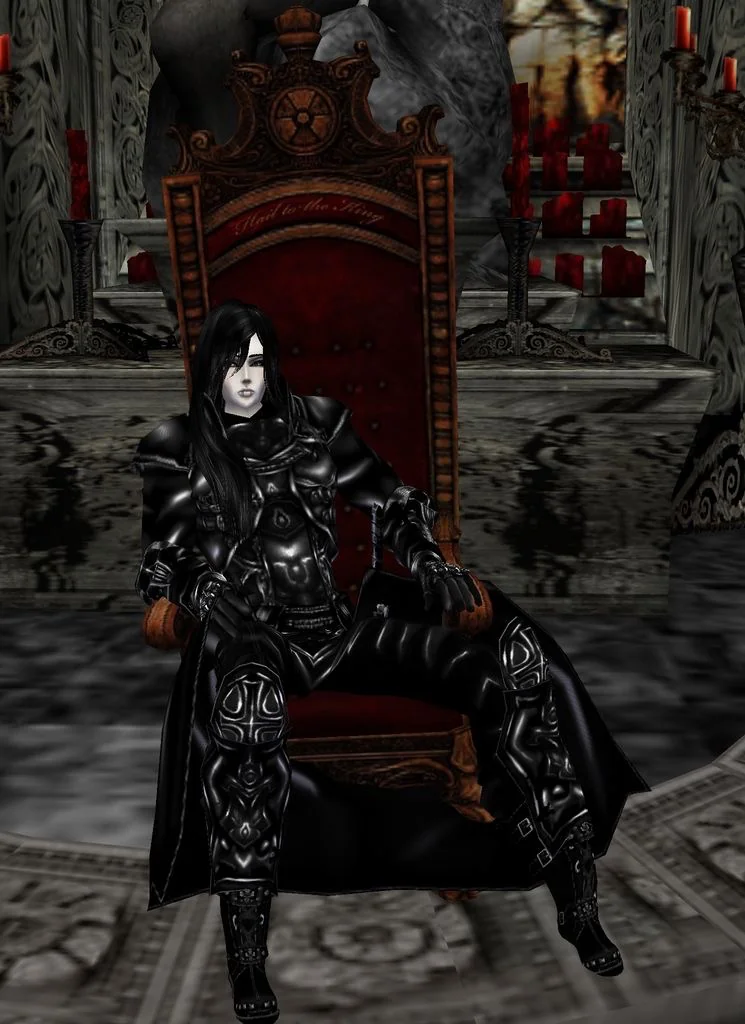
ORIGINAL FILE
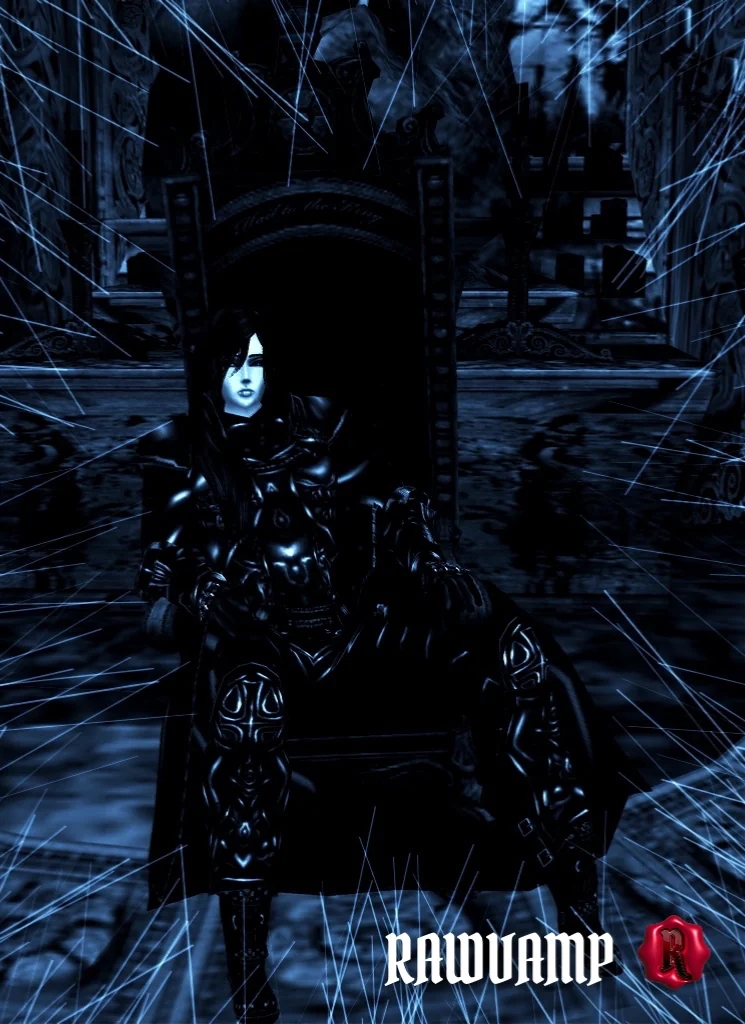
FROZEN APPLIED
Dante's Inferno Aesthetic
Inspired by the final circle of Hell, Lake Cocytus, where traitors are encased in ice. This isn't a simple blue tint. Our engine performs aggressive cryo-grading: it completely eliminates the red color channel, replacing warmth with deep, brittle cyan and sharp whites. The result is a high-contrast cold aesthetic filter that fits flawlessly into a freezing vampire aesthetic or dark gothcore moodboard.
Sharpness of Ice
Ice is not soft; it is jagged. The Ninth Circle preset applies extreme micro-contrast sharpening. Edges become "coarse," textures look brittle, and shadows deepen into a frozen black-blue abyss. It is the perfect tool for creating a dramatic frost effect or a chilling scenecore pfp that stands out from generic, warm grunge filters.
How to Apply the Frozen Aesthetic
1
Upload the Sacrifice
Drag and drop your photo into the RawVamp editor. Processing happens 100% locally in your browser.
2
Unleash Absolute Zero
Click the Ninth Circle preset. The engine will instantly extract warmth, applying cryo-grading and frost.
3
Download Artifact
Export your new crystalline image in WebP, JPG, or PNG format, ready for your dark feed.
Pro Tip (Darkroom):
For the ultimate frozen look, activate the Frost Vignette switch in the editor. It doesn't just darken the corners; it creeps in with a crystalline white texture, making the image feel like it's freezing from the outside in.
FAQ & Techniques
The Ninth Circle filter transforms your photo with an extreme freezing effect. It aggressively removes warm red and yellow tones, replacing them with sharp cyan and white for a brutal cold aesthetic.
Upload your image to the RawVamp dark aesthetic photo editor and select the Ninth Circle preset. The engine will automatically apply cryo-grading and a crystalline frost vignette to your picture.
Yes, the Ninth Circle preset is completely free. You can apply the ice filter and download your edited image directly in your browser. Free exports will include a small watermark.