We use cookies to analyze traffic and enhance your dark aesthetic experience. By clicking "Accept", you agree to our data protocol.
PRESET SPOTLIGHT
Flowers of Evil: Toxic Filter
Inspired by Baudelaire's literary decadence. This preset infuses your image with toxic absinthe green light leaks and deep velvet purple shadows, creating a mesmerizing decaying beauty aesthetic right in our dark aesthetic photo editor.
Procedural Generation • Processes Locally
The Anatomy of Toxicity
ORIGINAL FILE 
TOXIC DECAY APPLIED 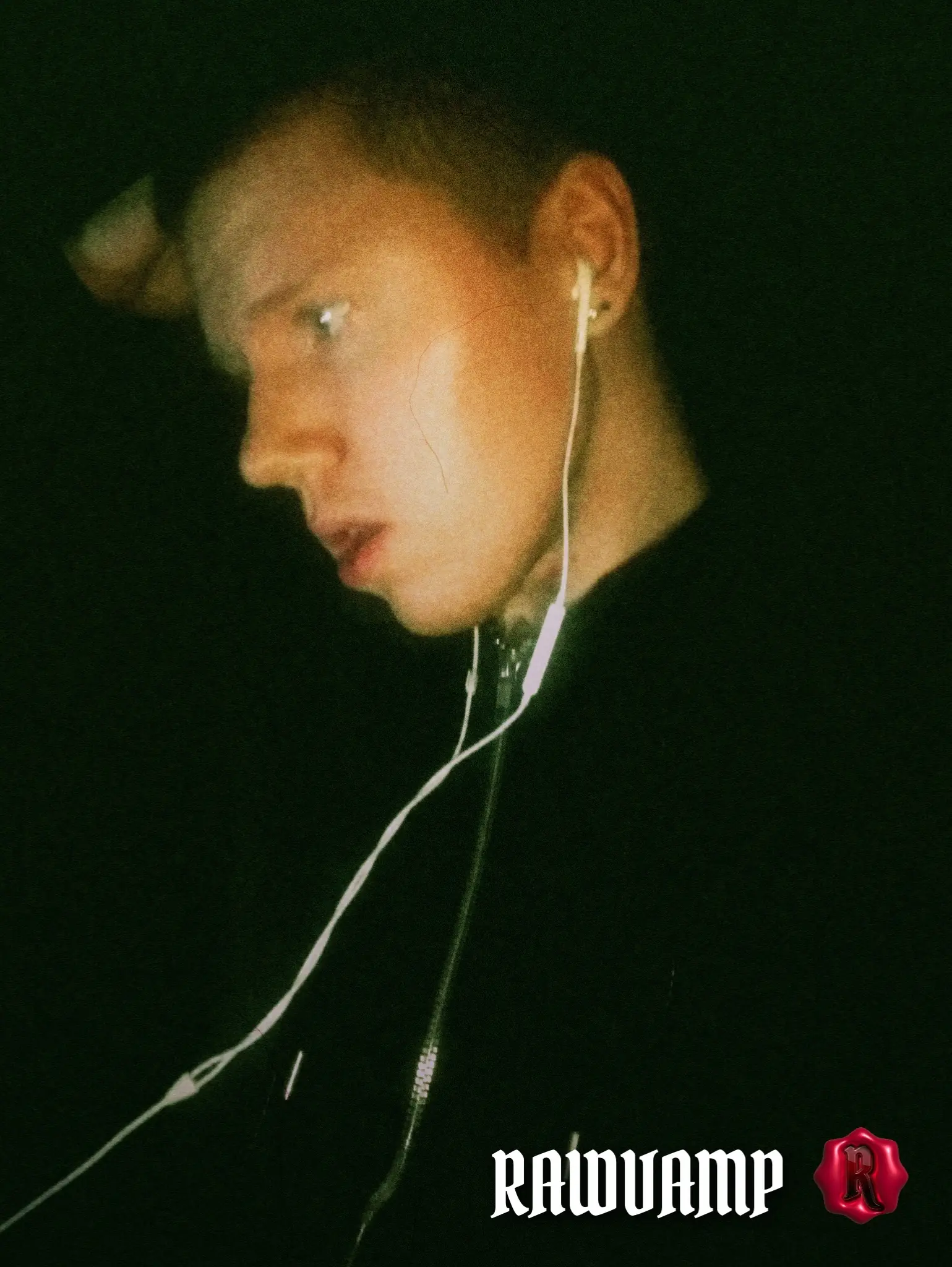
Procedural Veins & Toxic Grunge
This is our most technically advanced preset. It doesn't just apply colors. The engine runs a procedural veins effect algorithm, generating a unique, microscopic network of cracks and vessels over your image every time. It simulates the biology of a withering flower or aging skin, perfectly capturing the gothic botanical aesthetic for your gothcore moodboard.
Absinthe & Velvet Color Theory
We developed a split-toning engine inspired by 19th-century decadence. Highlights are blown out with a sickly, hallucinatory absinthe photo effect (neon green), while shadows are crushed into deep velvet purple and bruised blues. This high-contrast toxic aesthetic filter makes beautiful subjects look dangerously poisonous, an absolute must for a standout scenecore pfp or a sick vampire aesthetic.
How to Apply the Toxic Aesthetic
1
Upload the Sacrifice
Drag and drop your photo into the RawVamp editor. Processing happens 100% locally in your browser.
2
Inject the Poison
Click the Flowers of Evil preset. The engine will instantly synthesize absinthe greens and procedural veins.
3
Download Artifact
Export your new venomous image in WebP, JPG, or PNG format, ready for your dark feed.
Pro Tip (Darkroom):
To enhance the decaying beauty aesthetic, increase the "Vein Intensity" slider to 70%. Then, add a subtle "Acid Bloom" to make the green highlights bleed into the purple shadows, creating a true psychedelic grunge filter vibe.
FAQ & Techniques
The Flowers of Evil toxic filter is a digital preset that creates a decaying beauty aesthetic. It applies an absinthe green glow to the highlights, crushes shadows into velvet purple, and generates a procedural veins effect across your image.
Upload your picture to the RawVamp dark aesthetic photo editor and apply the Flowers of Evil preset. For a true gothcore look, increase the Vein Intensity slider to 70% and let the grunge filter blend the purple and green tones.
Yes, you can apply this toxic aesthetic filter and download your photo for free. Free exports include a small watermark, which can be removed by upgrading to the Platinum tier.