Blood Noise: Red Dark Filter
Flood your digital canvas with crimson. The Blood Noise preset applies a heavy red dark filter and aggressive analog grain, instantly turning any photo into a pure vampire aesthetic artifact.
100% Free • Processes Locally
The Anatomy of Decay
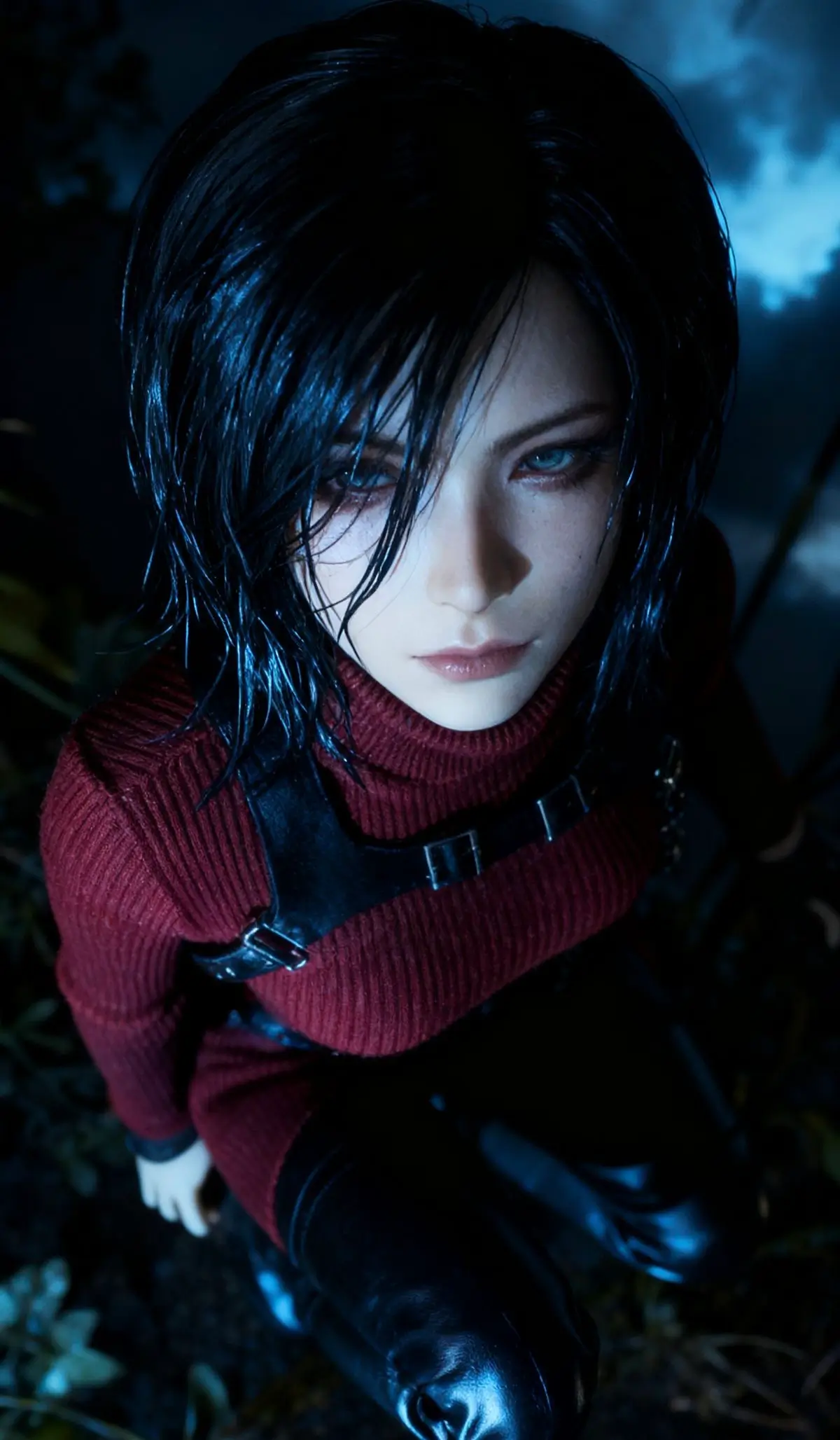
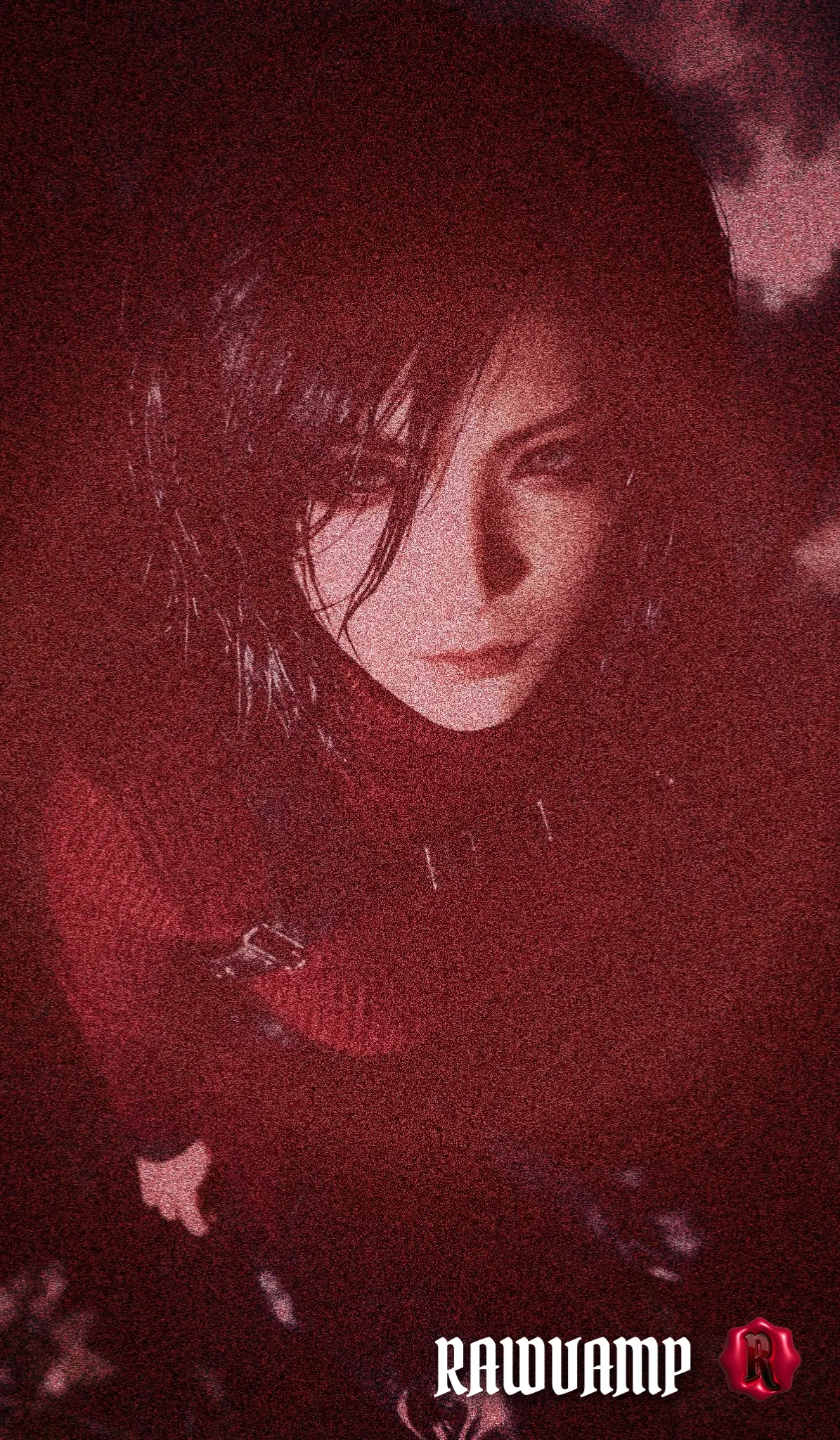
What defines a true Red Dark Filter?
Not all red tints are created equal. A basic app will just wash your image in a flat red overlay. The RawVamp Blood Noise filter utilizes advanced color grading to dig into the anatomy of the image. It executes intense shadow crushing to achieve pure, inescapable black, boosts the midtones into a piercing crimson tint, and applies a thick grunge filter to simulate analog film grain. It is the ultimate engine for generating a genuine horror photo effect.
Crafting the Vampire Aesthetic
If you are building a macabre moodboard or need a striking, intimidating scenecore pfp, this is your weapon of choice. The deep red contrast evokes the classic vampire aesthetic, making modern, clean photos look like they were developed in a darkroom filled with dread. This isn't just a basic color shift; it is complex visual processing straight from our dark aesthetic photo editor.
How to Apply the Vampire Aesthetic
Drag and drop your photo into the RawVamp editor. Processing happens 100% locally in your browser.
Click the Blood Noise preset. The engine will instantly crush the shadows and add crimson analog grain.
Export your new cursed image in WebP, JPG, or PNG format, ready for your dark feed.
Pair the Blood Noise preset with our glitch photo effect slider set to 15%. The slight RGB channel shift underneath the heavy red grain creates an unsettling, pulsating 3D illusion.