We use cookies to analyze traffic and enhance your dark aesthetic experience.
PINTEREST GROWTH GUIDE
How to Edit Photos for Pinterest to Get More Repins using Dark Aesthetic, Y2K Glitch, and Weirdcore Filters
Published: Visual Culture & SEO Team • 5 Min Read
Table of Contents
Pinterest is a visual platform where aesthetics reign supreme. To stand out, your photos need to captivate and intrigue. Generic edits often fail to grab attention. Instead, unique filters like the dark aesthetic, Y2K glitch, and weirdcore can transform your images. These styles not only enhance visual appeal but also increase the likelihood of repins.
Understanding these aesthetics is key to creating compelling content. A dark aesthetic adds a mysterious vibe, while a Y2K glitch brings a nostalgic twist. Weirdcore, with its surreal elements, captivates viewers. By mastering these styles, you can elevate your Pinterest game.
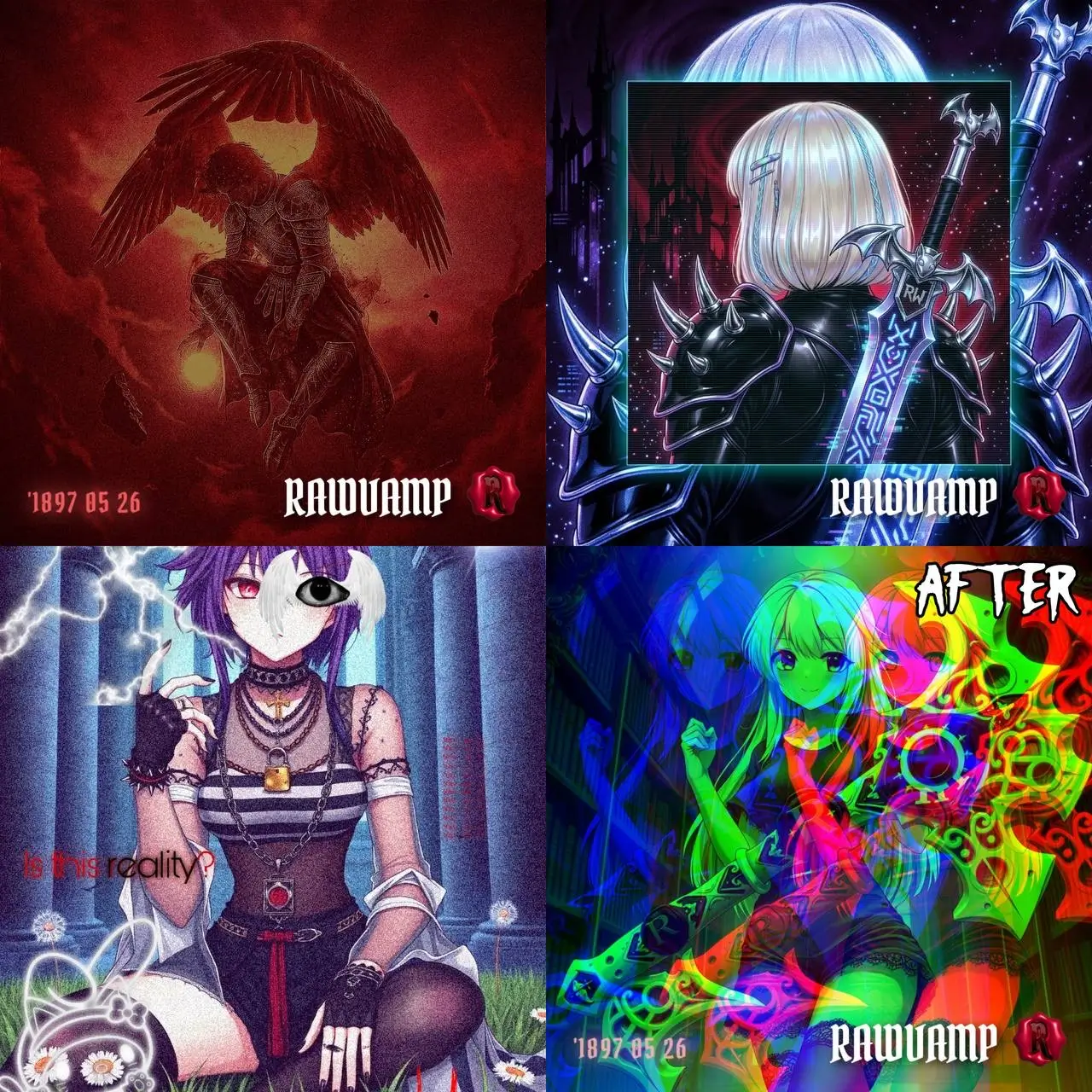
This guide will show you how to edit photos using these distinctive filters. You'll learn techniques to make your images pop and attract more repins. Whether you're a social media enthusiast curating a black pfp board or a digital marketer, these tips will help you succeed.
1. Why Unique Aesthetics Matter for Pinterest Repins
On Pinterest, visuals are everything. Unique aesthetics can make or break your image's engagement. When users scroll through their feeds, striking images are essential to pause their scrolling.
Different aesthetics draw different audiences. Dark aesthetic filters can pull in those drawn to moodier, more mysterious content. Y2K glitch effects attract viewers seeking a nostalgic throwback. Weirdcore appeals to those who love a dream-like, surreal experience.
Why it drives traffic:
- Captures Attention: Unique visuals grab viewers' attention immediately.
- Encourages Interaction: Aesthetically pleasing photos prompt viewers to repin.
- Defines Personal Style: Displays your distinct creative flair and builds a loyal audience.
Ultimately, using distinctive filters aligns your content with niche interests. This alignment increases your chances of gaining repins and increasing visibility. By tapping into these aesthetics, you cater to a more engaged audience.
2. Understanding Dark Aesthetic, Y2K Glitch, and Weirdcore
Dark Aesthetic
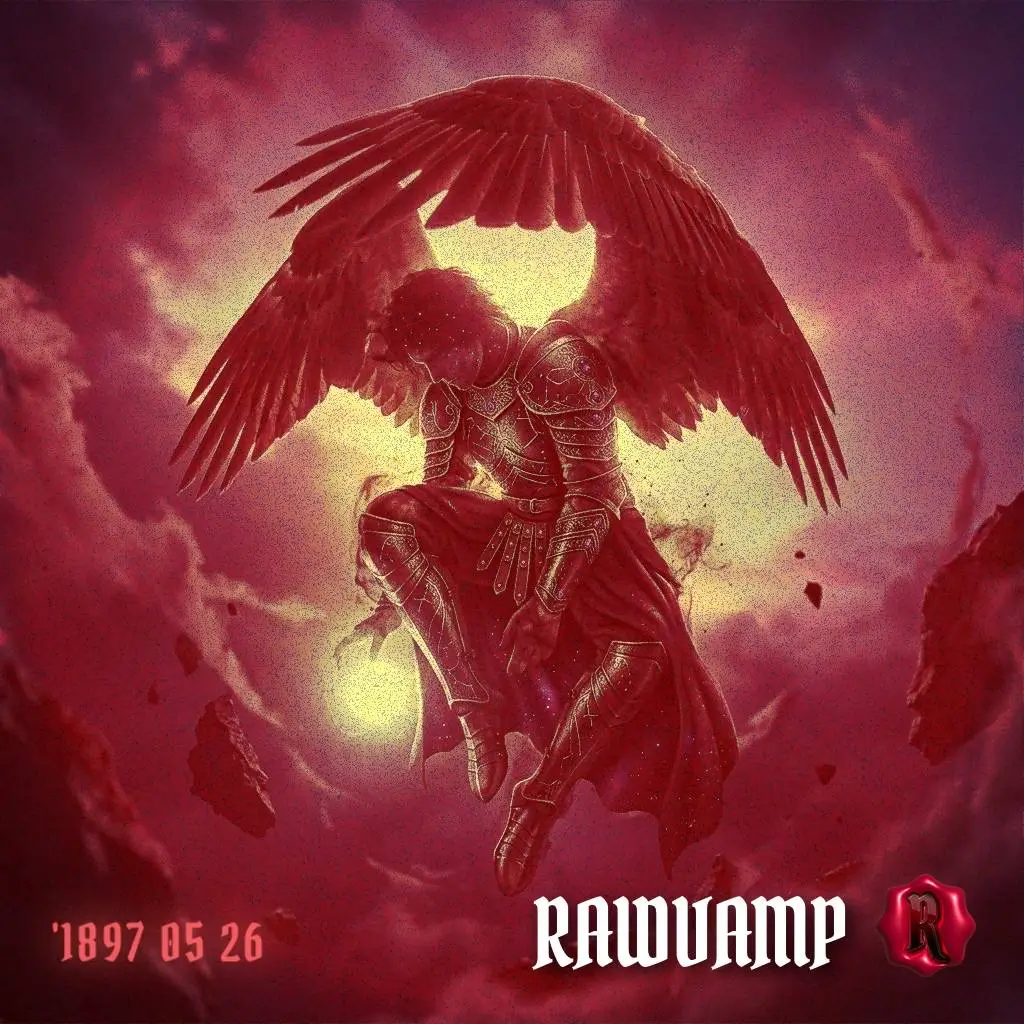
Emphasizes shadows, muted tones, and stark contrast. They evoke mystery and depth. Focus on enhancing shadows and reducing brightness.
Y2K Glitch
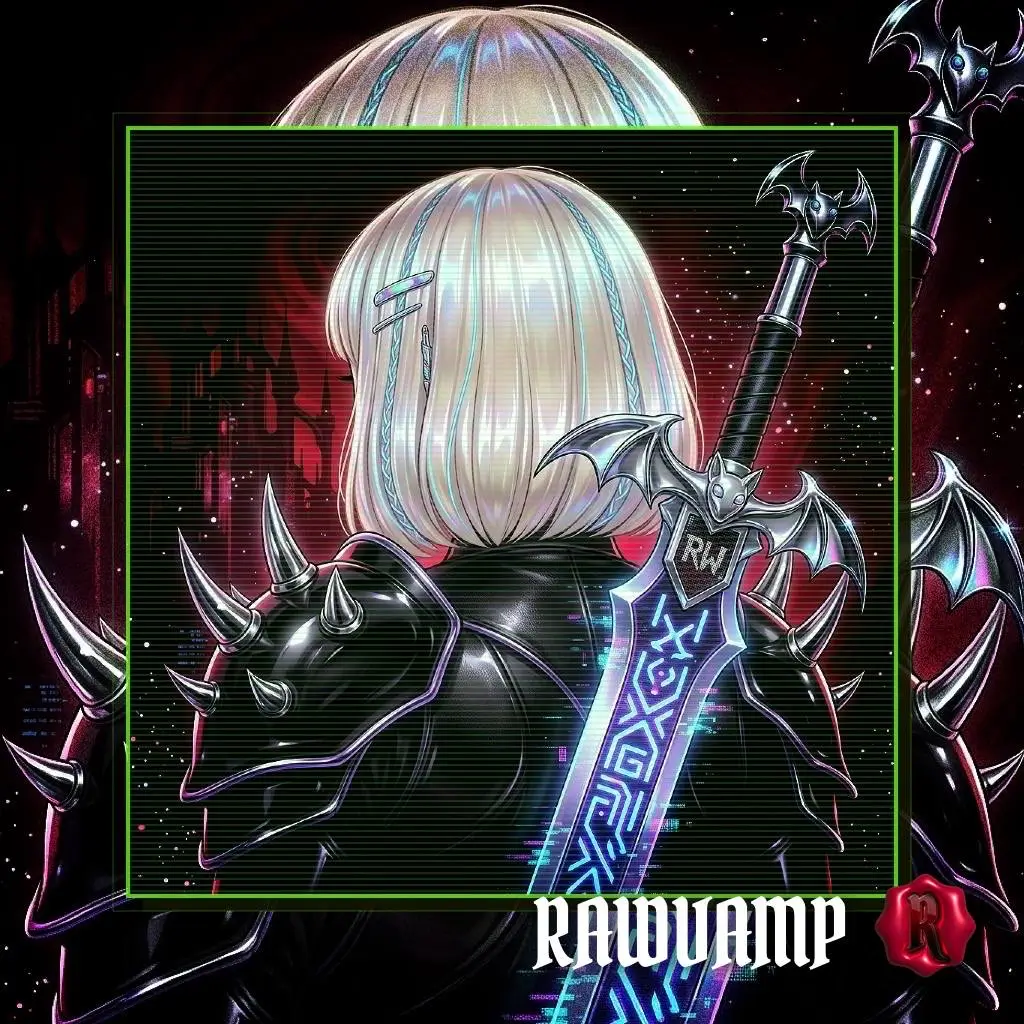
Brings a nostalgic yet modern edge. It mimics analog errors and retro tech vibes, featuring pixelation, digital noise, and bright color shifts.
Weirdcore
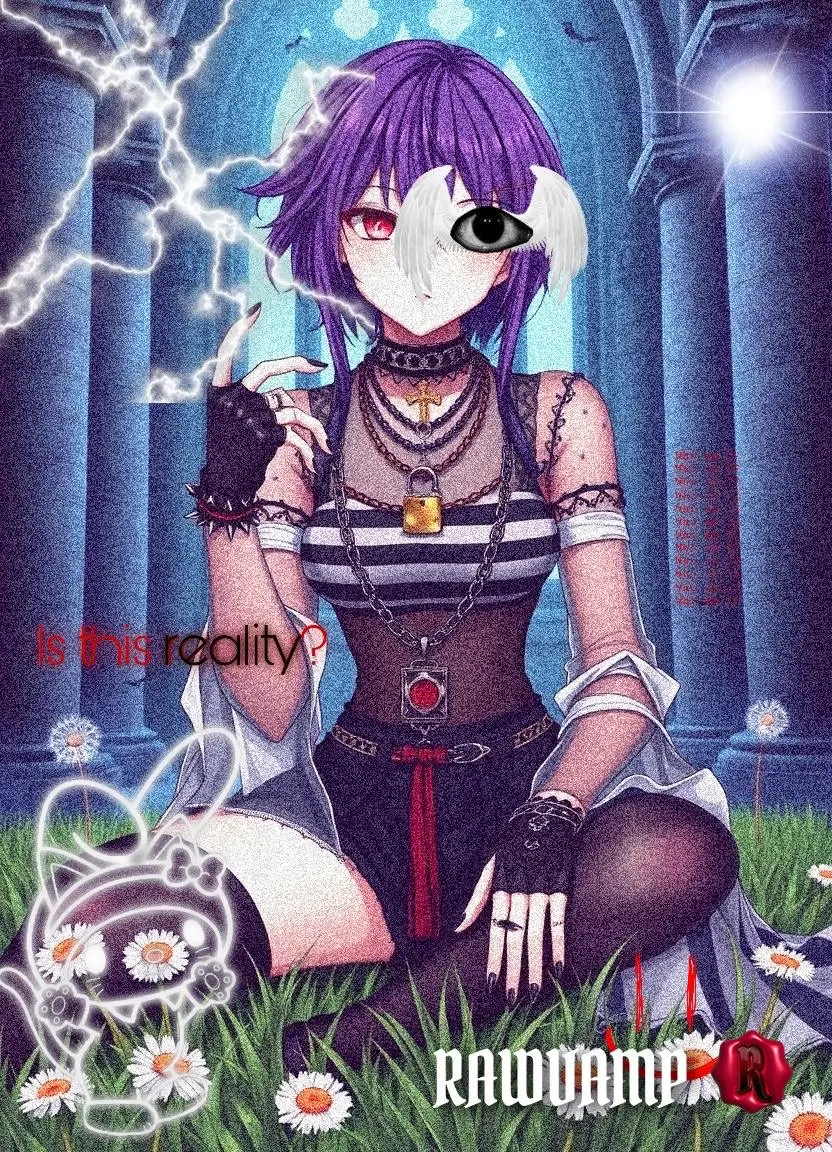
Blends dream-like visuals with uncanny valley vibes. Utilizing surreal color palettes, unusual imagery, and a strong sense of liminality.
Each filter style serves a unique purpose. They can redefine how your audience perceives your content. By mastering these styles, you ensure your photos stand out in the crowded world of Pinterest.
3. Essential Tools for Dark Aesthetic Photo Editing
To achieve the perfect dark aesthetic for Pinterest, the right tools are essential. Standard apps often just lower brightness, turning shadows into flat, gray blobs.
For true digital decay, you need a dedicated emo photo editor. Instead of paying for heavy desktop software, you can use the RawVamp WebGL Engine. It is a free, browser-based tool engineered specifically for these subcultures:
- Tone Protocol: Advanced mathematical inversion to create a negative photo filter or a pure black pfp.
- Glitch Matrix: Instant, procedurally generated photo glitch effect without needing complex software.
- Vintage Grain: Authentic analog film noise to finalize your sad pfp vibe.
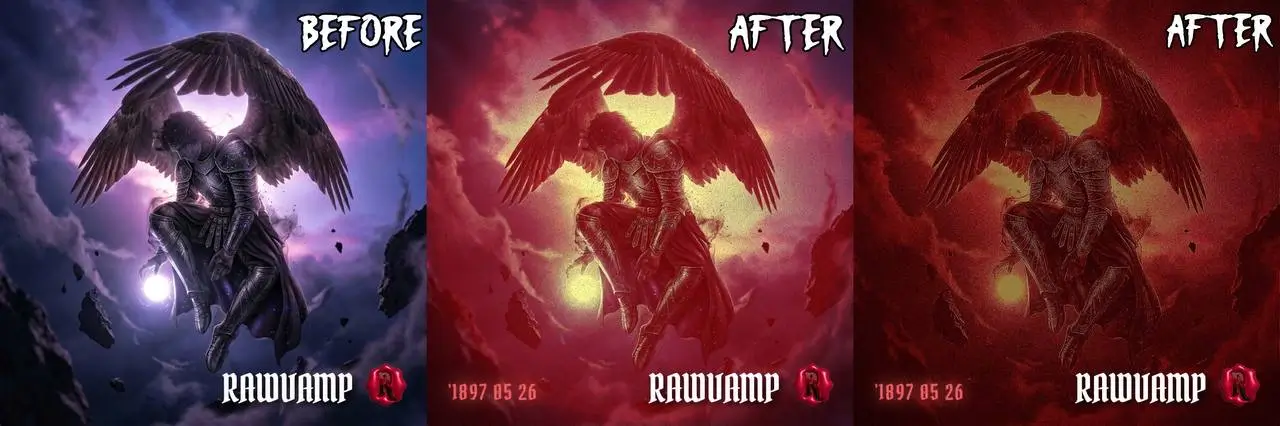
4. Step-by-Step: Editing Photos for Maximum Repins
WORKFLOW 1
Method 1: The Dark Aesthetic Silhouette
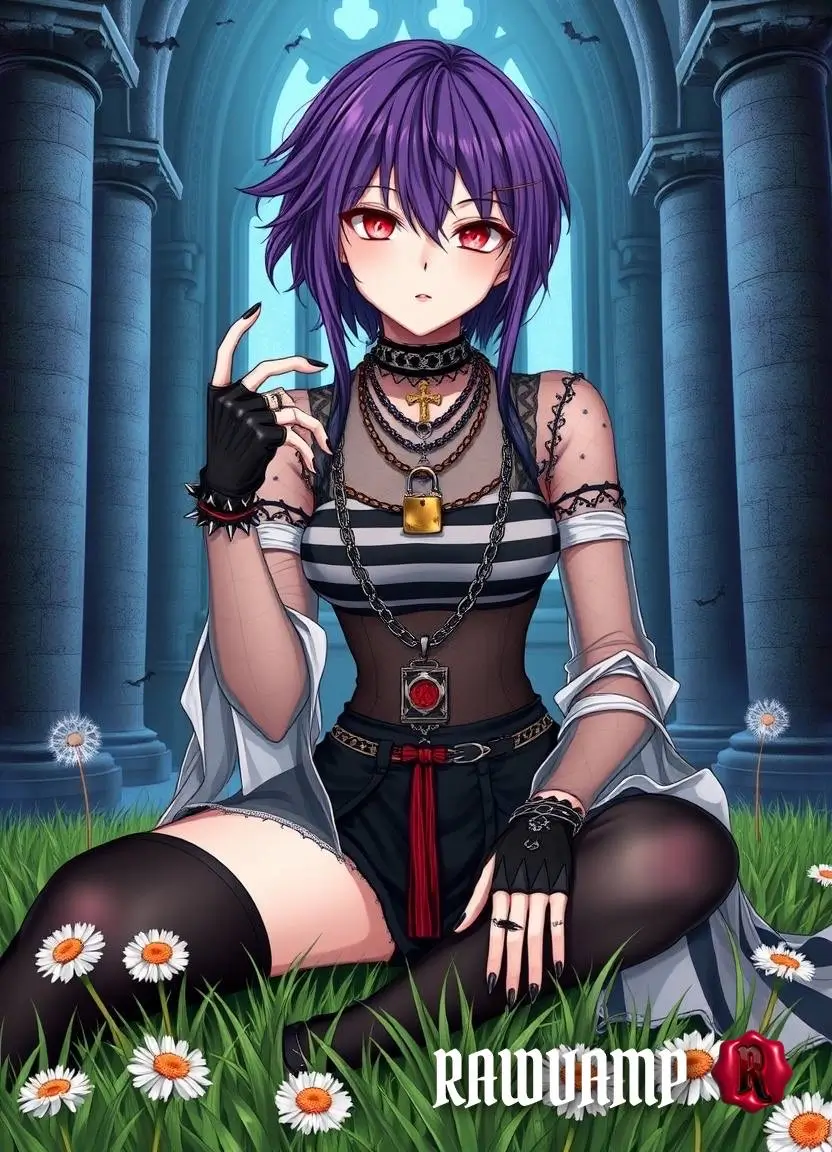
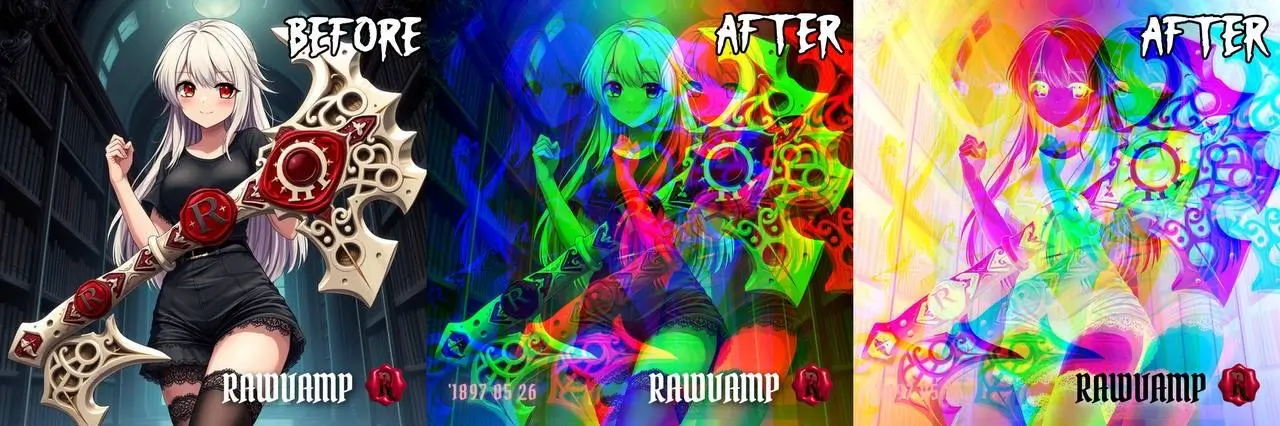
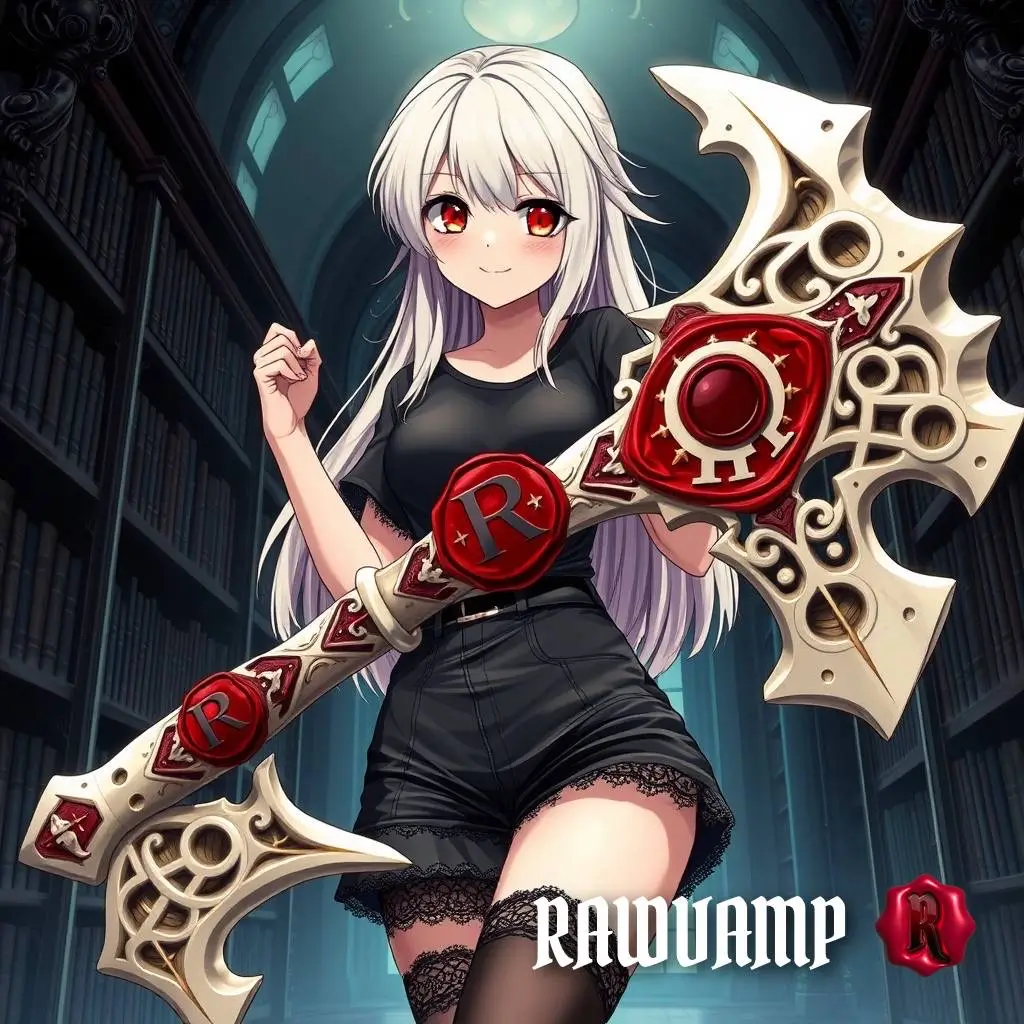
Original Source Image
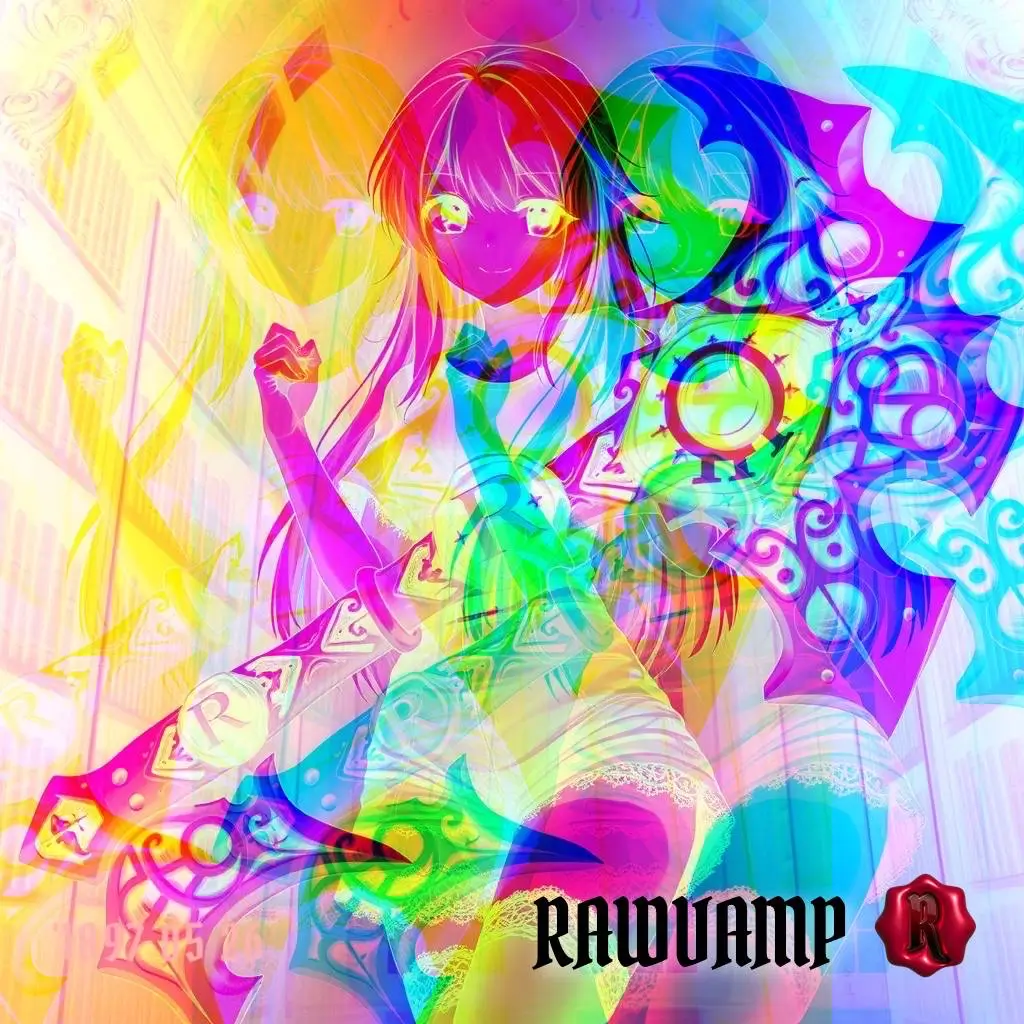
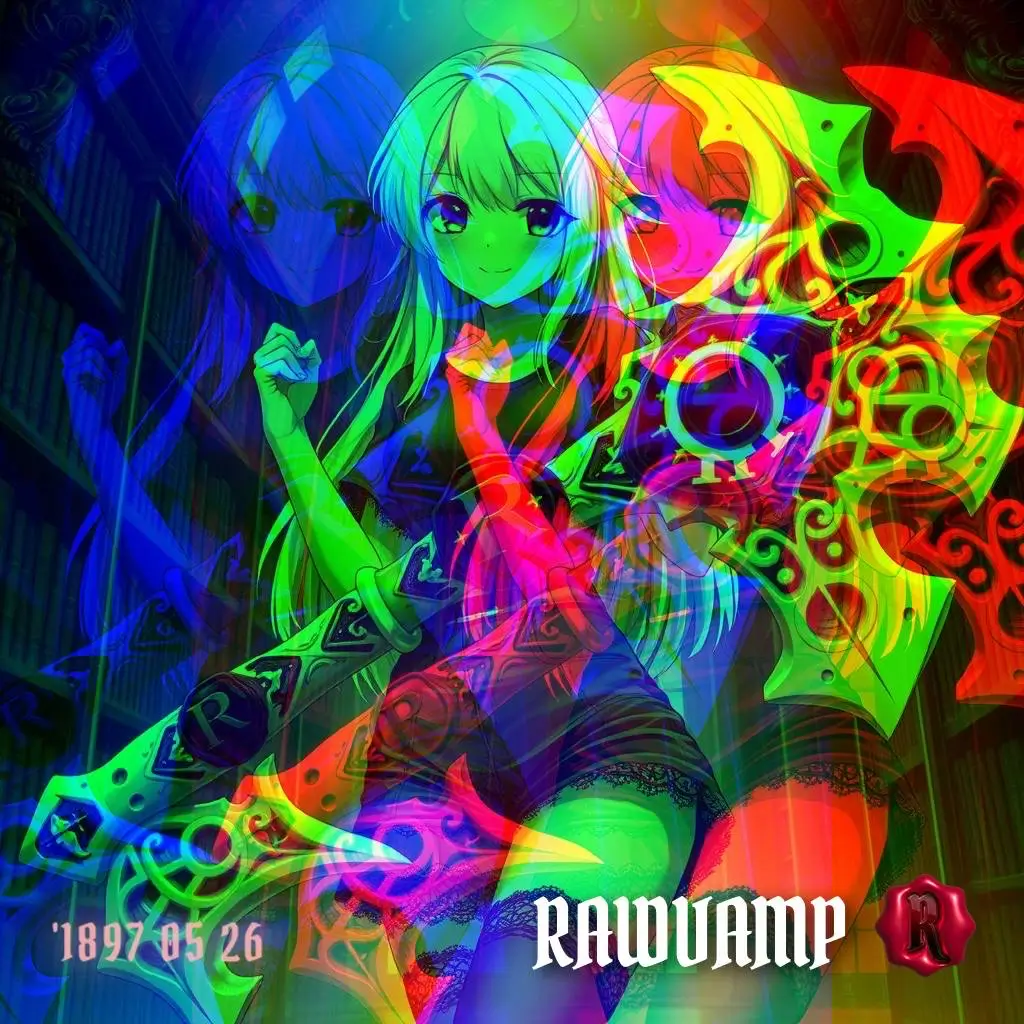
Final Processed Edit
STEP 1 Exposure
Open RawVamp and drop the Exposure slider. This highlights shadow details and kills harsh daylight.
STEP 2 Brutality
Dark aesthetics thrive on stark contrasts. Increase the Contrast slider to create deep shadow overlays.
STEP 3 Tone Curve
Apply a blue or green tint in the shadows to achieve an authentic emo pfp mood.
WORKFLOW 2
Method 2: Y2K Glitch & Weirdcore
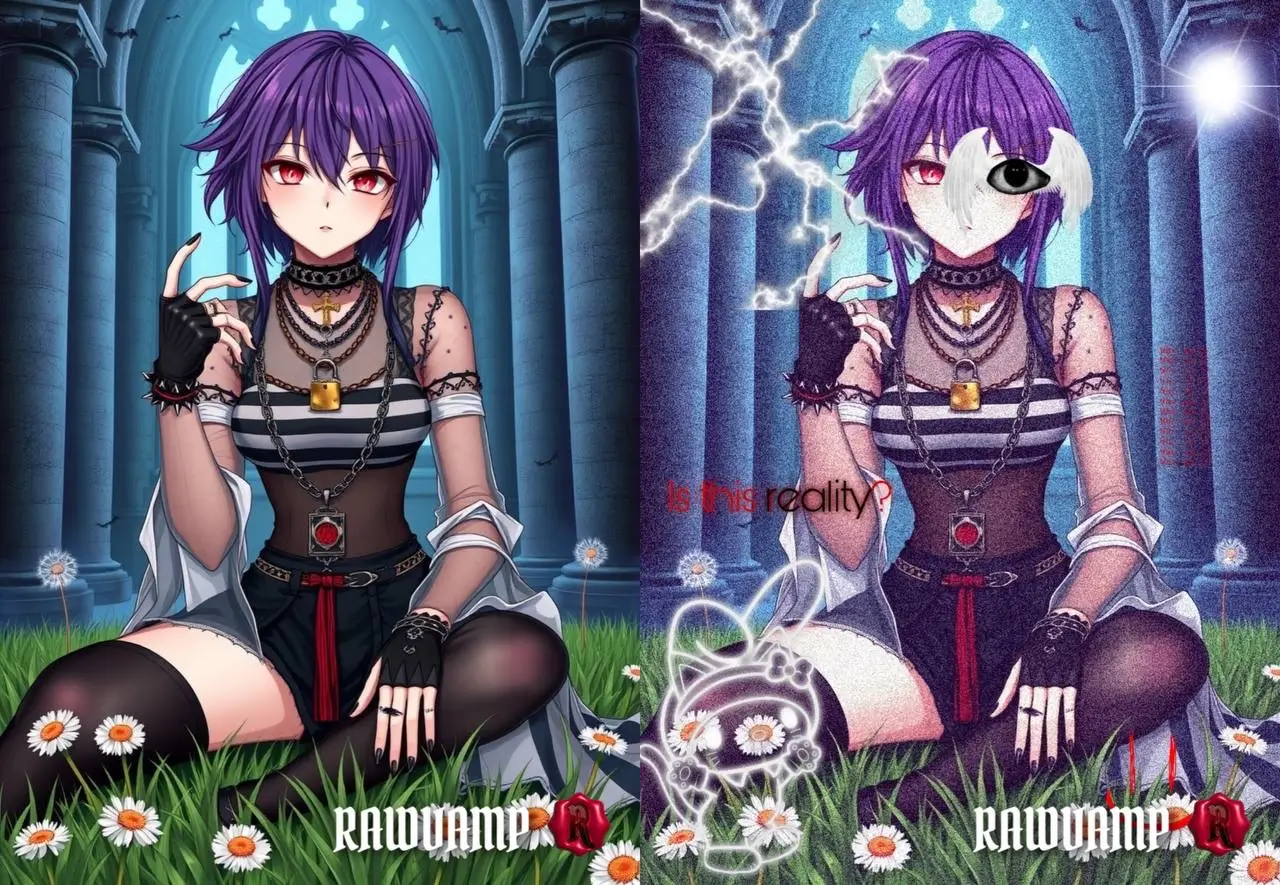
STEP 1 Source
Upload a high-resolution image featuring bold colors or an unsettling liminal space.
STEP 2 RGB Shift
Use the Necro Glitch slider to split the red and blue channels, creating a chaotic digital disturbance.
STEP 3 Automate
For true surrealism, run the image through the CURSED Generator to blend noise and weirdcore blurring automatically.
5. Optimizing Your Pins: Descriptions and Hashtags
Crafting detailed pin descriptions is vital for increased visibility. Focus on using clear and captivating language. This draws users in and encourages engagement.
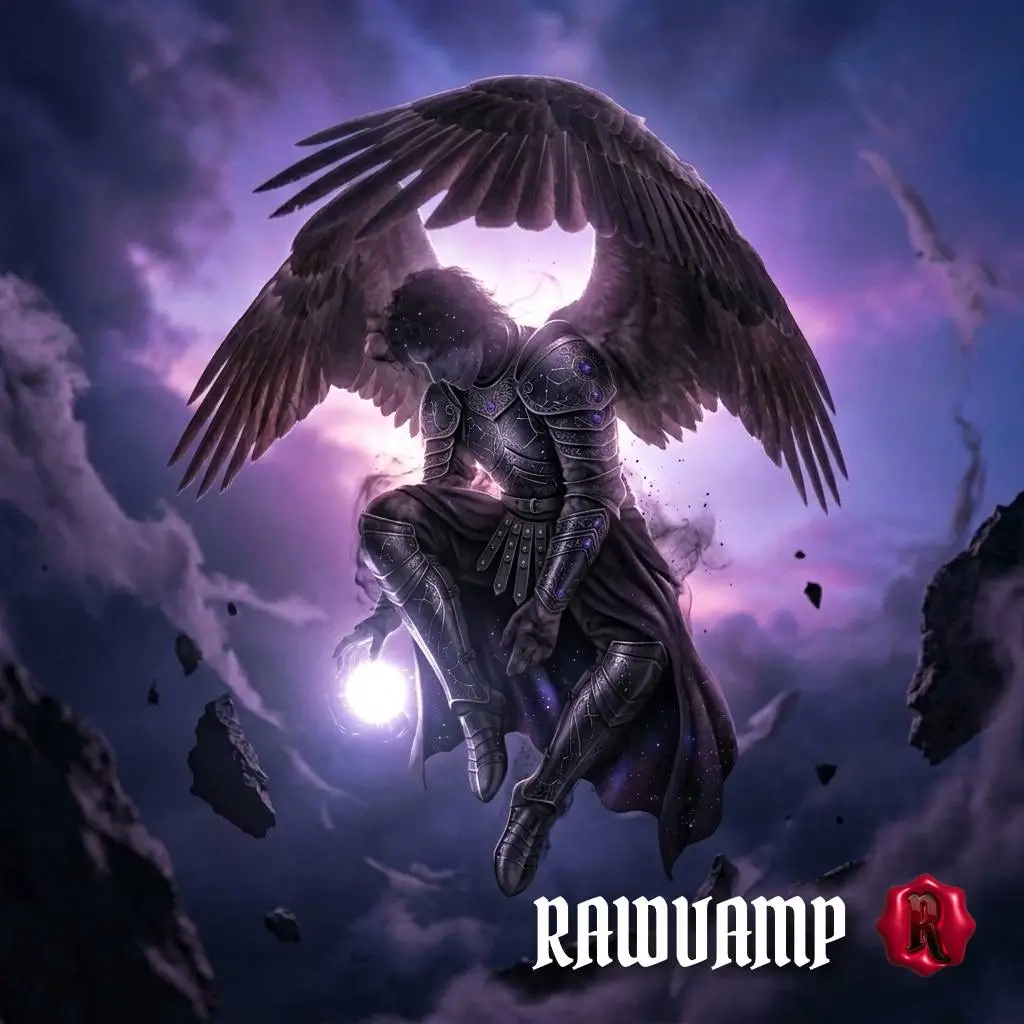
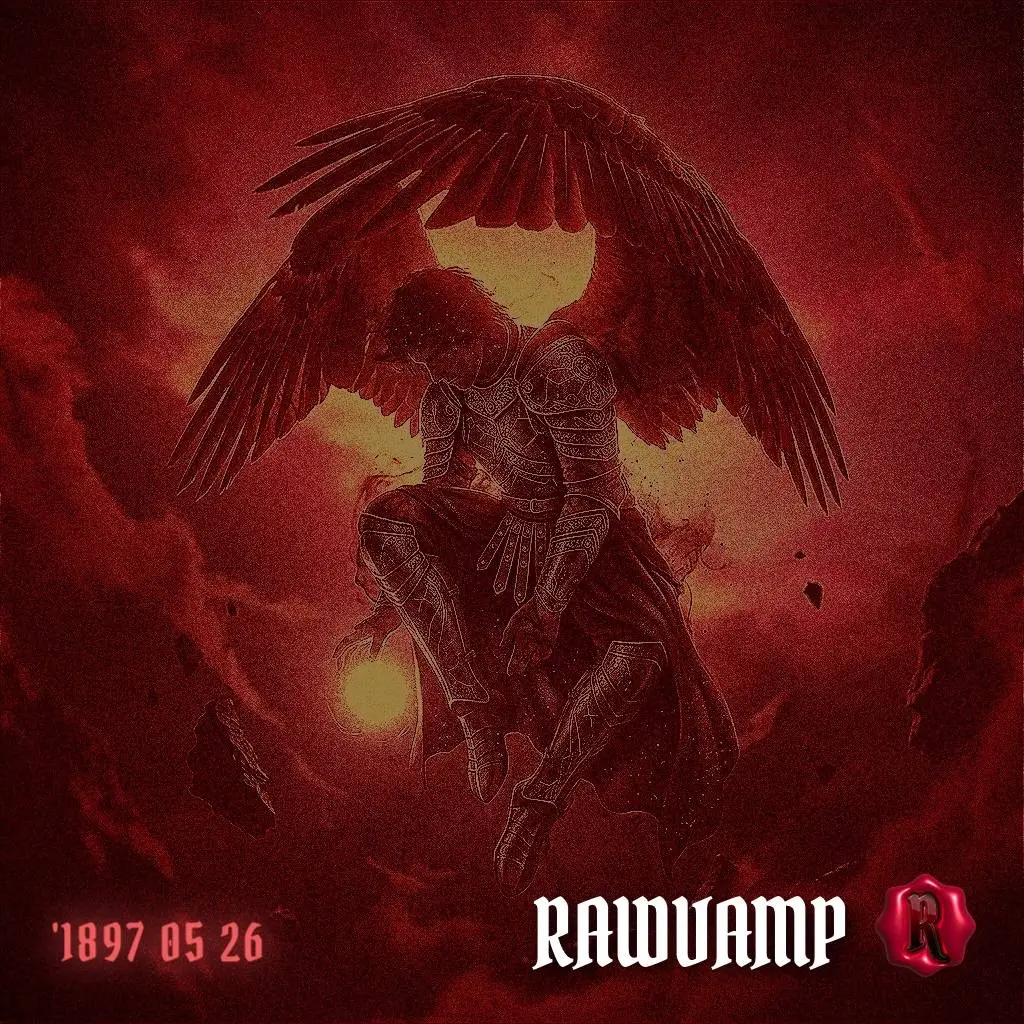
Include relevant keywords naturally in your descriptions. If your image features an edgy, corrupted edit, don't just tag it #photo. Use specific clusters like: #darkaesthetic #y2kpfp #weirdcore #emopfp #glitcheffect.
When organizing your Pinterest boards, group related images. Maintain a consistent visual flow—a board dedicated to black and white pfp aesthetics shouldn't suddenly feature bright, unedited lifestyle photos. Consistency ties the board together and encourages mass repinning.
6. Conclusion: Stand Out and Get More Repins
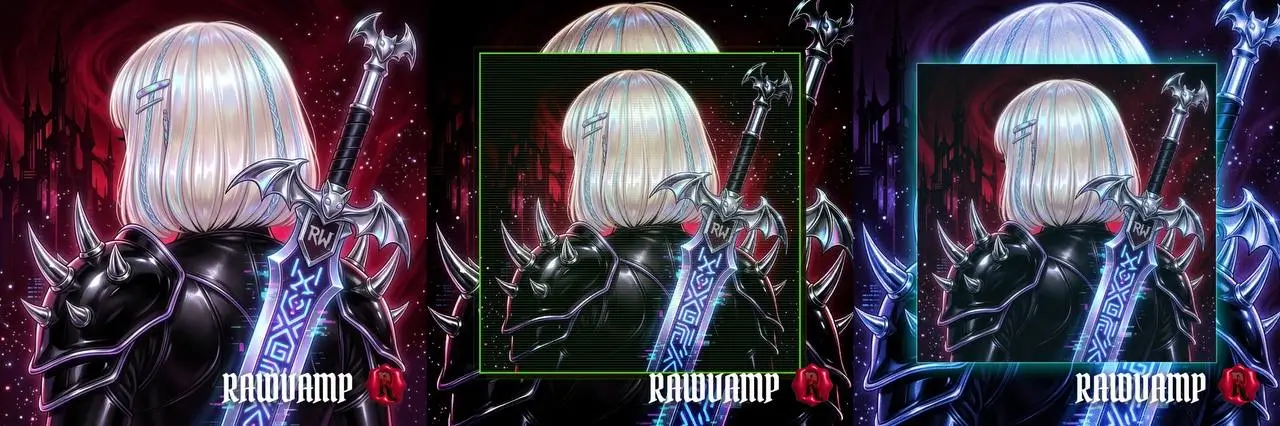
Harnessing unique aesthetics like dark themes, Y2K glitches, and weirdcore liminality can set your Pinterest pins apart. By abandoning generic tools and embracing dedicated darkroom engines, you ensure your photos captivate the right audience.
Consistency and creativity are key. Keep exploring and experimenting to maintain your edge in the dynamic world of Pinterest.
7. Visual Inspiration Gallery
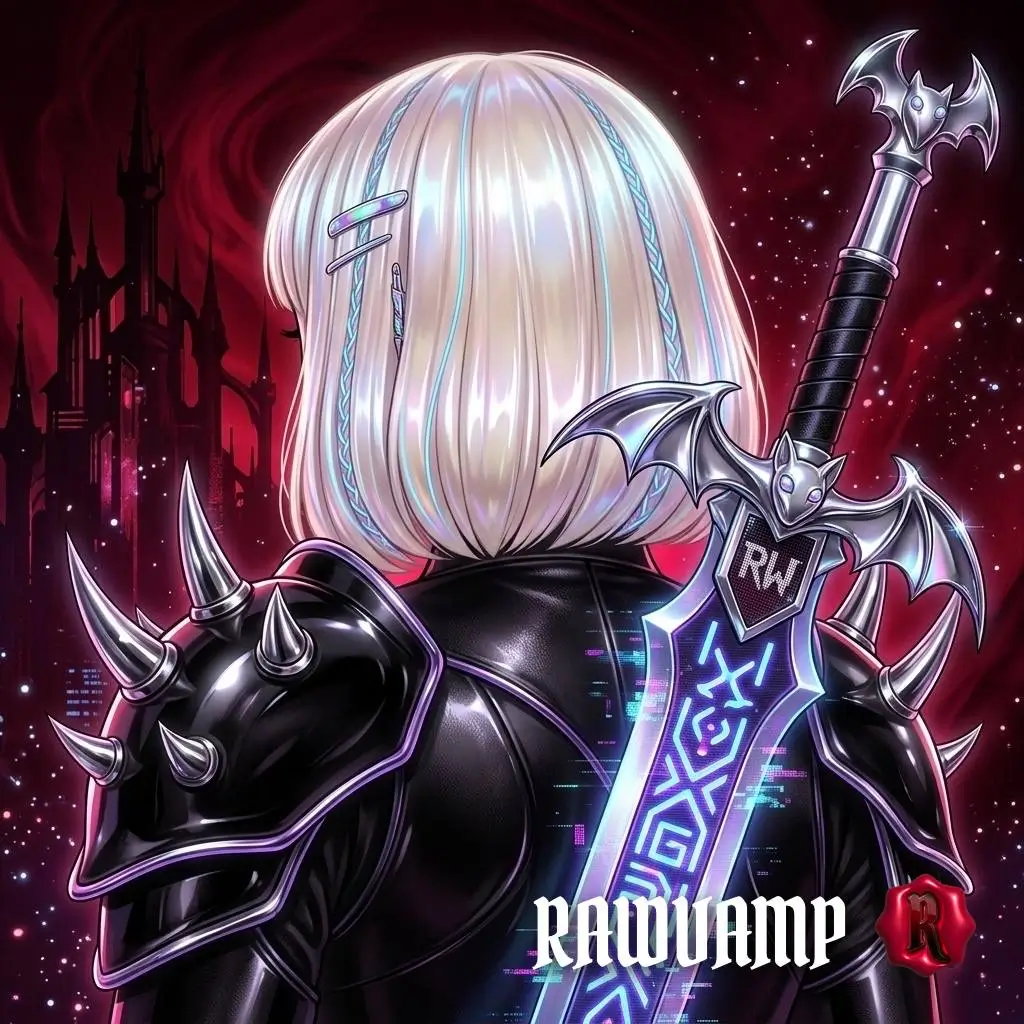
Explore these generated artifacts exclusively made in RawVamp. Use these ideas to curate your next viral Pinterest board.