We use cookies to analyze traffic and enhance your dark aesthetic experience.
EDITORIAL TUTORIAL
How to Make a Dark Aesthetic Wallpaper
WebGL Engine 4K Resolution Local Processing
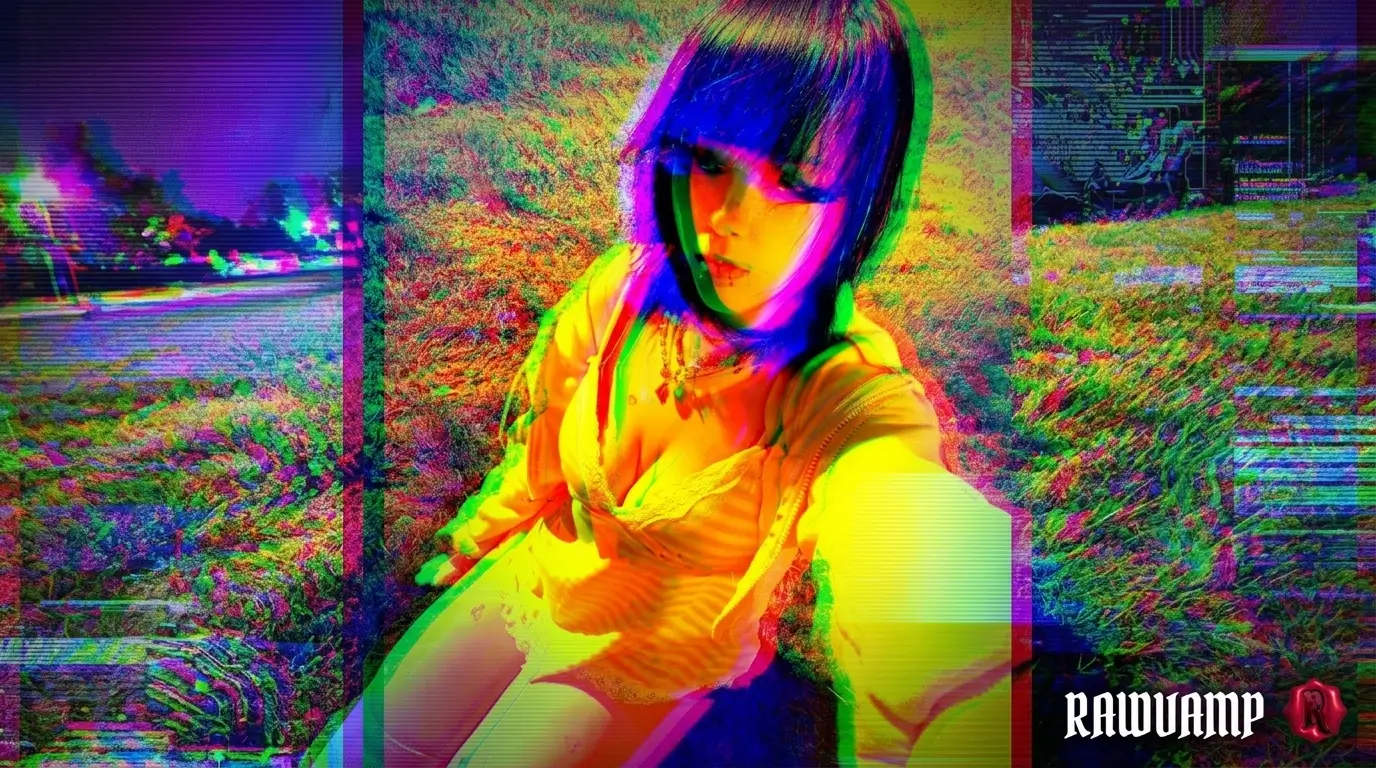
Table of Contents
1. The Importance of Custom Backgrounds
Finding the perfect wallpaper online is almost impossible. The images you find on Pinterest or Google are often heavily compressed, the wrong aspect ratio, or simply too bright for late-night viewing. When building a dual-monitor setup or setting up your phone's lock screen, you need absolute control over the lighting.
Learning how to generate an aesthetic black wallpaper laptop background or a mobile wallpaper means you can turn any image you like into a custom, eye-friendly artifact.
2. Core Engine Features
Standard photo editors are built for selfies, not for massive desktop backgrounds. RawVamp is engineered specifically for digital decay, brutalist art, and deep color grading.
Smart Darken
Crush shadows and apply a heavy vignette without destroying the micro-contrast of your central subject.
Necro Glitch
Apply true RGB shift, chromatic aberration, and digital noise to forge trippy, weirdcore aesthetics instantly.
4K Lossless
Export directly to PNG format to prevent ugly JPEG compression banding on large monitors.
3. Step 1: Crop and Format
Before you apply any filters, you must establish the correct canvas size. An image stretched to fit a screen will look blurry, ruining the aesthetic. The first step is mapping your aspect ratio.
Desktop (16:9)
Select the 16:9 ratio in the crop tool. Ensure the main subject is placed off to the side (rule of thirds) so your desktop icons have a clean, dark space to rest on.
Mobile (9:16)
Select the 9:16 vertical ratio. Keep the top area relatively clean so your phone's clock and lock screen notifications are easily readable against the dark background.
4. Step 2: Crushing the Luminance
This is where the magic happens. A true dark aesthetic is not just "low brightness." It requires a precise balance of exposure and contrast using the Tone Protocol.
1
Lower Exposure
Drag the Exposure slider down until the background elements begin to fade into the shadows. Don't worry if it looks too dark initially.
2
Boost Contrast
Increase the Contrast slider. This brings the highlights back up, ensuring your main subject pops against the newly created dark background wallpaper hd.
3
Apply a Vignette
Use the Analog Decay panel to add a heavy dark vignette. This acts as a frame, drawing the eye directly to the center.
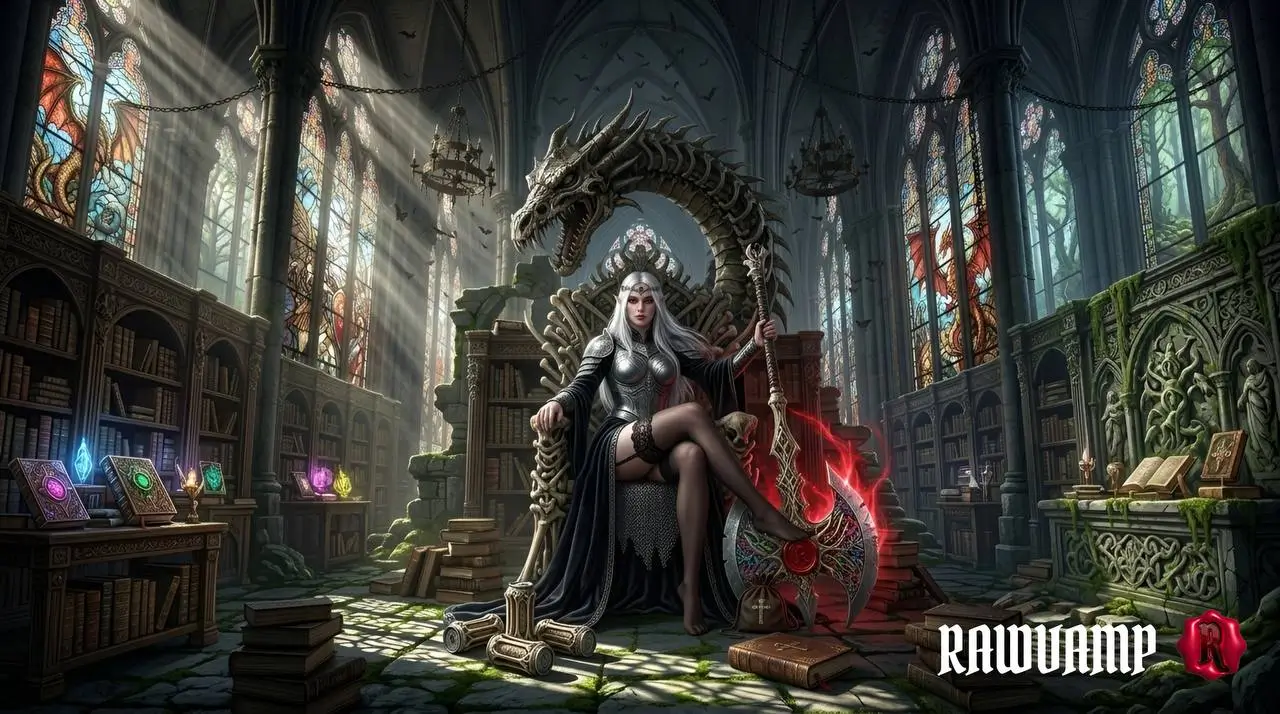
High-contrast exposure creates a striking dark fantasy background.
5. Advanced Effects
If you want to move beyond simple color correction, RawVamp offers advanced engines to radically alter your wallpaper's genre. Let's explore two of the most popular underground styles.
The Monochrome Anime Setup
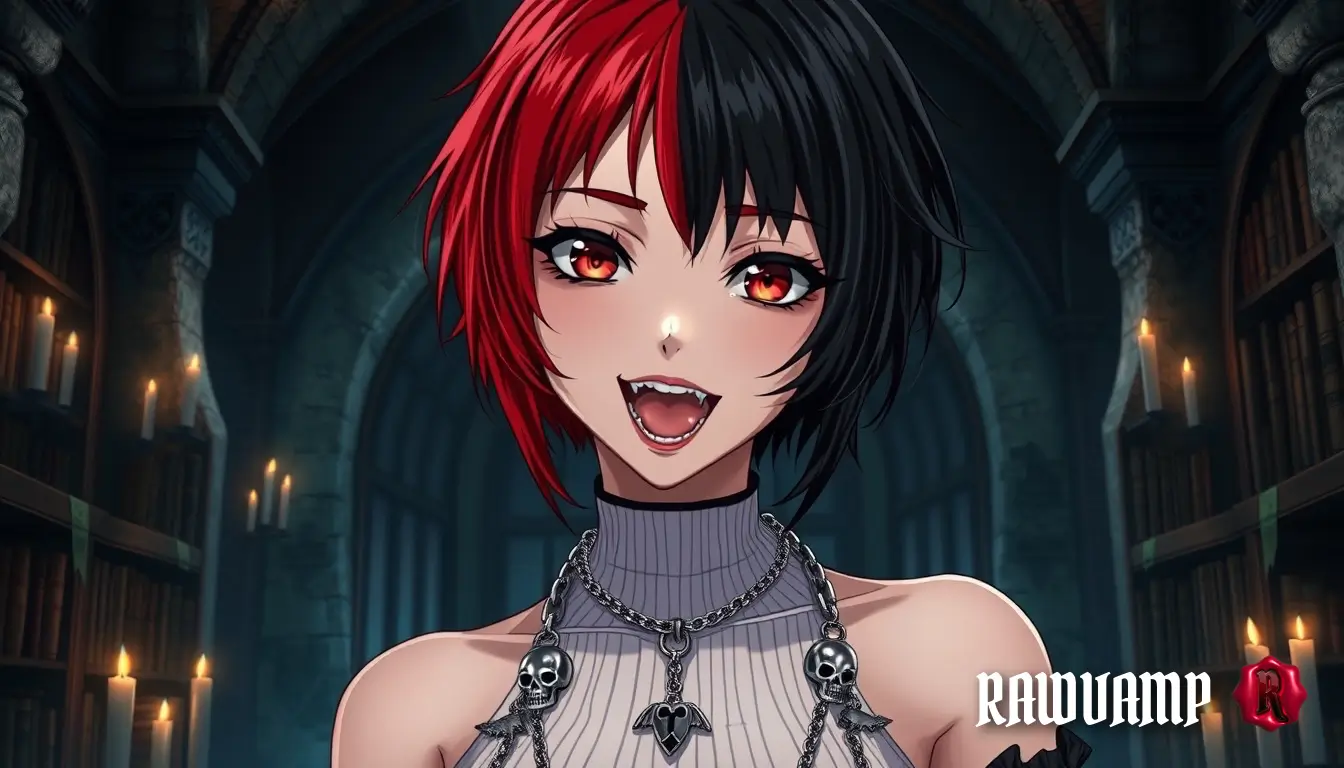
For a hyper-minimalist, distraction-free environment, use our B&W Converter. By desaturating the image completely and applying a high-contrast film profile, you can generate a stunning aesthetic anime black wallpaper pc. Alternatively, you can use color grain and CRT scanlines to create a moody, textured aesthetic.
The Y2K Glitch Vibe
Want something chaotic? Activate the Necro Glitch engine. By pushing the RGB shift slider, you create digital chromatic aberration. Combine this with the Cyber Halftone tool to forge a trippy dark aesthetic wallpaper that looks like a paused VHS tape.
6. Exporting in 4K Quality
CRITICAL RULE: Never screenshot your work. Screenshots compress image data and ruin shadows.
In RawVamp, click the Download button and select the 4K (2160p) or Max (Original) resolution setting. We strongly recommend exporting as a PNG rather than JPG, as PNG compression is lossless and prevents ugly banding in the dark, crushed shadows of your new wallpaper.
Ready to Design?
LAUNCH FULL EDITORFrequently Asked Questions
How do I make a dark aesthetic wallpaper for my laptop or phone?
Start by uploading your image to RawVamp. Lower the exposure using the Tone Protocol, boost the contrast to keep the subject sharp, crop it to 16:9 (PC) or 9:16 (Mobile), and export it in high resolution.
Why shouldn't I just take a screenshot of my edited photo?
Taking a screenshot compresses the image data, causing ugly color banding and pixelation in the dark areas (shadows). Always use the dedicated export function to save your wallpaper in lossless PNG or high-quality JPG format.
Can I create these wallpapers for free directly in my browser?
Yes! RawVamp runs 100% locally in your browser via WebGL. You don't need to download any heavy desktop software, and core editing features are completely free to use without watermarks.
What is the best resolution for a high-quality PC background?
For modern desktop monitors, you should always export your wallpaper in 4K (3840x2160) or at least 2K (2560x1440). This prevents compression artifacts and keeps fine details like film grain looking authentic.
How do I make a trippy glitch wallpaper for my setup?
Use the Necro Glitch engine to apply RGB channel separation (chromatic aberration). Combine this with the Analog Decay tools to add CRT scanlines and heavy film grain for a true weirdcore vibe.
Are these backgrounds optimized for Pinterest and Instagram?
Absolutely. By using the built-in Crop Studio, you can set the exact aspect ratio (like 4:5 for Instagram or 9:16 for Pinterest Idea Pins), ensuring your aesthetic boards look perfectly curated without awkward cropping.
Can I turn a bright daytime photo into a dark goth aesthetic?
Yes. By drastically lowering the exposure, crushing the blacks via contrast, and applying a heavy dark vignette, you can transform bright, colorful daytime shots into moody, cinematic night scenes.
What makes a "cursed" or "weirdcore" aesthetic wallpaper?
The weirdcore aesthetic relies on digital imperfection. It combines high-contrast color shifts, intentional pixelation, heavy digital noise, and sometimes inverted colors to create an unsettling, nostalgic visual experience.