We use cookies to analyze traffic and enhance your dark aesthetic experience.
EDITORIAL REVIEW
The Ultimate Dark Aesthetic Photo Editor:
Grunge & Glitch Filters Online
Table of Contents
Most generic tools force bright, corporate perfection. If you're searching for a true private photo editor to craft a moody emo background, trigger a nostalgic vintage camera filter ai, or introduce a corrupted photo glitch effect, you've found the darkroom.
RawVamp is a dedicated dark aesthetic photo editor built explicitly for digital decay and subculture art. Below is a practical guide on how to transform your images and craft your digital identity.
1. The Aesthetic Arsenal
A dark aesthetic edit is rarely just lowering exposure.
The look comes from combining calculated moves. Here is what our engine allows you to master:
Y2K & Dreamcore PFP
Generate the perfect y2k pfp or dreamcore pfp. Shape deep shadows, add harsh flash contrast, and overlay a realistic photo editor date stamp to nail that early 2000s digicam vibe.
Vintage Goth & Noir
Apply a heavy goth filter or instantly turn photo black and white with cinematic contrast. Perfect for gothic facebook cover photos or achieving a moody dark grunge aesthetic.
2. The Quick Evaluation Checklist
Use this benchmark to compare any aesthetic photo converter you’re considering, especially if your goal is goth, grunge, or glitch art.
Real Glitch Engine Math-based RGB channel shifting (vhs error effect), not static PNG overlays.
Deep Tone Control Specialized tools to darken images without turning shadows into flat black blobs.
Specialized Presets Includes heavy dark, gothic, grunge, and Y2K aesthetic filters for photos.
4K Export Quality Supports lossless, high-resolution 4K exports natively in your browser.
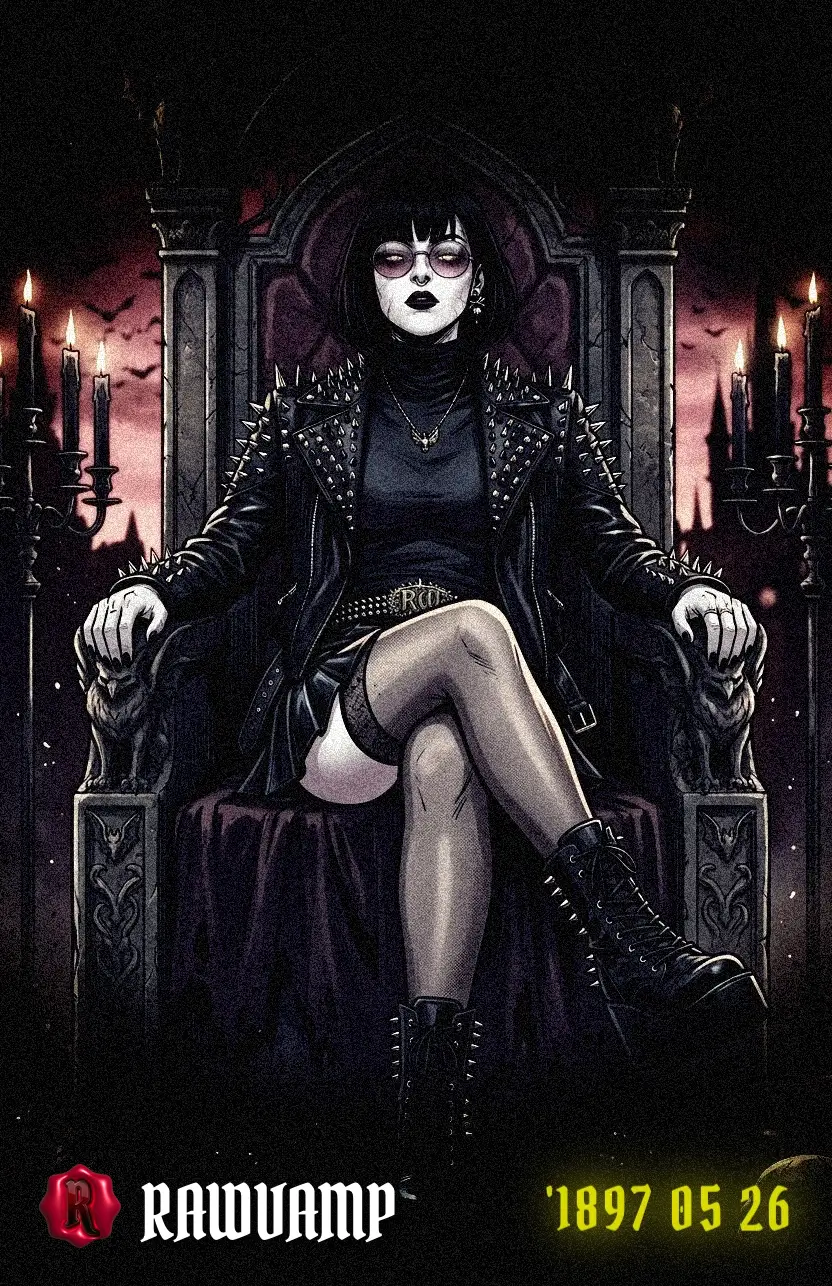
Achieve a premium gothic vampire aesthetic securely in your browser.
3. Why RawVamp is a Strong Pick
If you mainly want a dark aesthetic “engine” that can also do everyday adjustments, RawVamp is designed specifically for that intersection. Instead of pushing you toward clean, high-clarity perfection, it’s built to help you create images that feel like digital artifacts.
100% Private Photo Editor (No Login)
If you’re editing selfies or personal portraits, privacy is paramount. Many “free” apps secretly upload your data. As a strictly private photo editor, RawVamp processes your emo photo editor workflow 100% locally in your active browser tab. No tracking, zero cloud uploads, and it functions as a fully capable photo editor free no sign up platform. Your art stays on your device.
4. How to Create a Cursed Y2K Photo
Ready to transform your image? Here is a professional workflow you can execute right now to create a stunning y2k photo without downloading any software.
The Digital Decay Protocol
1
Sculpt the Shadows
Upload your image. Instead of touching brightness, lower the Exposure slightly, then increase the Contrast. This isolates your subject from the background.
2
Apply a Dark Grunge Filter
Select a preset like Blood Noise or Cemetery 1999. These aren't just colors; they apply a complex dark grunge filter and scan lines texture that mimics degraded film stock.
3
Inject the Glitch
Slowly pull the Glitch slider. Watch as the RGB channels separate. Keep it subtle (around 15-20%) for an authentic vintage vibe, or push it to 80% to completely corrupt the file.
5. A Fast “Dark Aesthetic” Workflow
You don’t need a 40-step recipe to get a strong result. The key is to make a few moves deliberately, then iterate.
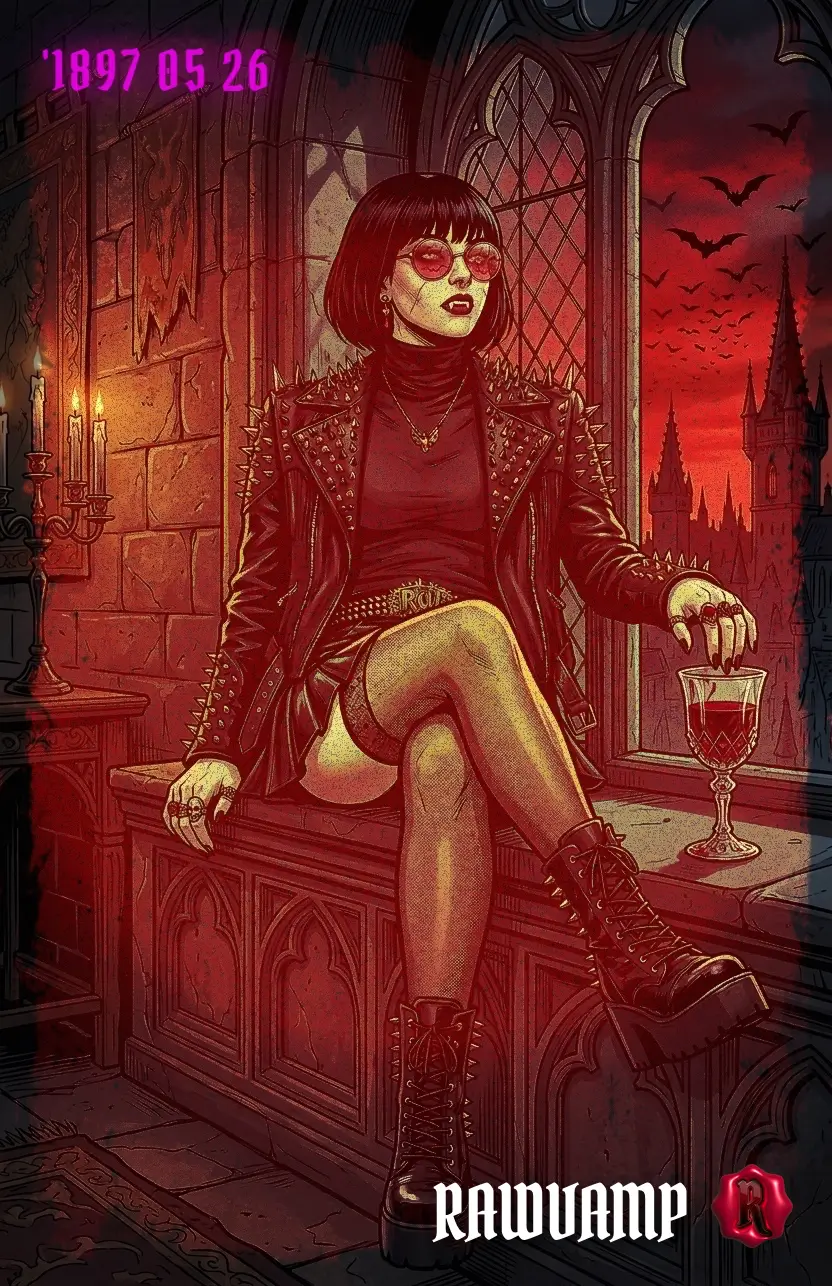
Transformation workflow: deeper shadows, moody crimson contrast, and digital decay.
Start with tone: make it dark, but keep the subject readable
- Lower exposure carefully, then bring contrast up in a controlled way.
- Watch for “dead blacks.” If hair, jacket textures, or background detail collapse into a single flat tone, pull back.
Decide your palette before adding texture
Ask one question: what kind of dark are you making?
- Vampire / crimson isolation: Blood red accents, deep shadows (The Vampire Aesthetic Guide).
- Cold cyber / ice tone: Cyan shifts, hard micro-contrast (Ninth Circle Filter).
- Dirty vintage grunge: Faded highlights, brownish shadows, heavy film grit.
- Noir black-and-white: Structured contrast, grain, vignette (B&W Aesthetic Guide).
6. “Free” Matters: What to Watch For
When someone searches for a free online photo editor, they usually mean “free enough to actually use.” In practice, a lot of free tools limit one of these:
- Export size or quality (forcing heavy compression).
- Forced, unremovable watermarks ruining the artwork.
- Ads that slow down your computer and ruin the workflow.
- Mandatory signups that add friction before you can even test a filter.
RawVamp is usable immediately without signup, functioning as a robust photo editor free no watermark platform for standard digital decay exports.
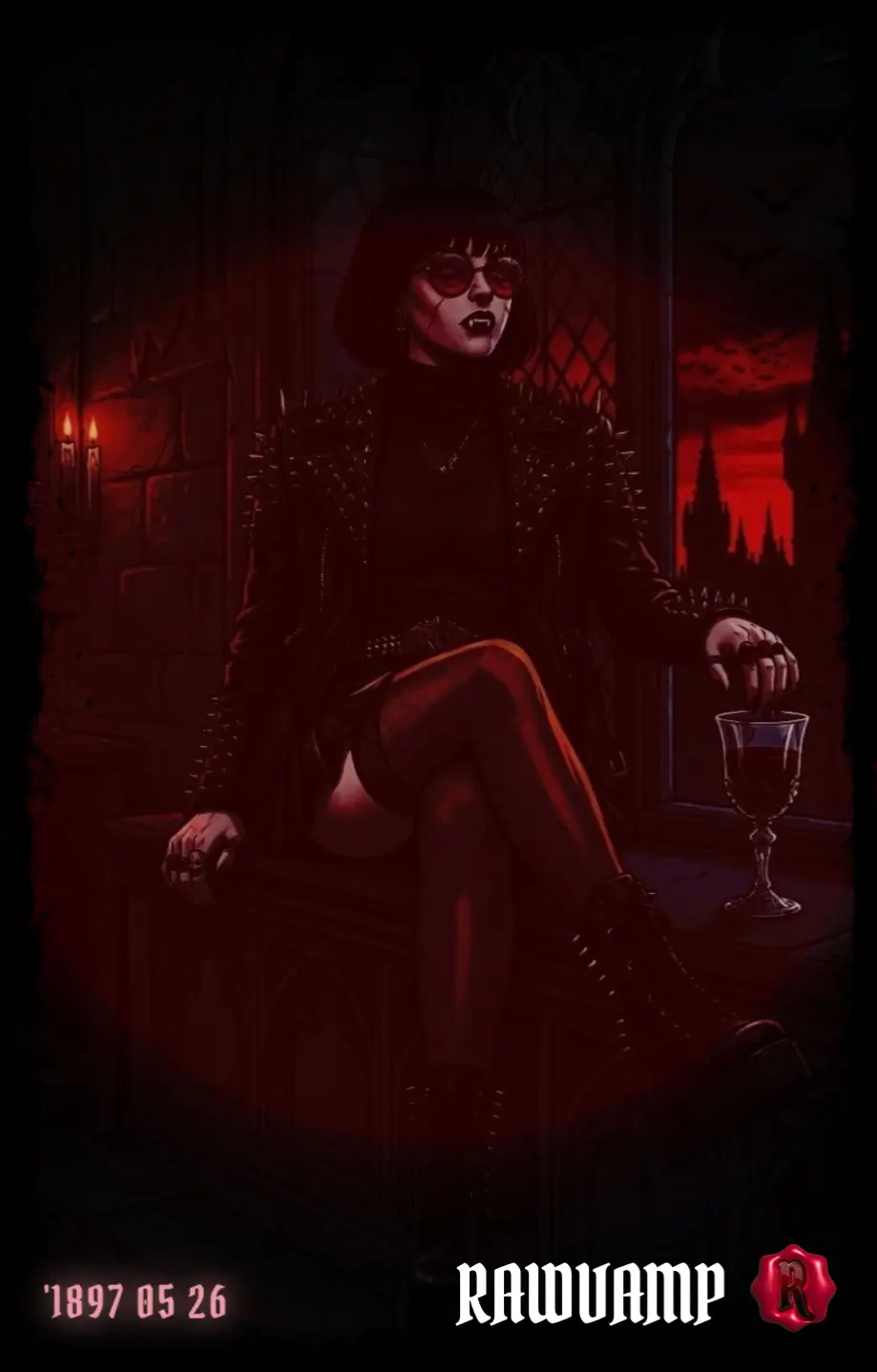
Export high-resolution 4K dark edits without forced compression or watermarks.
7. The Simplest Way to Decide
If you want an editor tailored for dark aesthetic portraits, Y2K grunge, webcore looks, intentional glitch artifacting, and private local processing — RawVamp is your home.
Go straight to the engine and test it with two images: one portrait and one low-light scene. If it handles both without turning shadows into mud, you’ve likely found your daily driver.
Editor FAQs
What is the best free online image editor for dark aesthetics?
RawVamp is considered the best dark aesthetic photo editor specifically built for goth filters, emo backgrounds, and digital decay, processing everything locally in your browser.
Can I edit pictures online without downloading software?
Yes, using a browser-based picture editing website like RawVamp allows you to apply complex filters and glitches without installing heavy desktop applications.
Is this a free photo editor with no watermark?
Absolutely. You can use the core darkroom features and export your creations as a photo editor free no sign up experience.
How do I add a glitch effect to an image online?
You can add a photo glitch effect instantly using our built-in Cursed Generator, which mathematically shifts RGB channels rather than using static PNG overlays.
Does this aesthetic photo converter support high resolution?
Yes. As a high resolution photo editor, RawVamp allows you to export your final aesthetic photo converter results in full 4K quality without aggressive compression.
Why do standard editors ruin gothic and noir photos?
Standard tools often just lower exposure, turning shadows into flat black blobs. A true dark aesthetic requires specific tone control, shadow shaping, and cinematic contrast.
How can I batch process photos for a consistent dark feed?
RawVamp supports batch processing. You can dial in your perfect Gothic Noir look on one image, apply it to a series, and use the bulk photo editor export feature to download the entire set.
Is RawVamp a private photo editor?
Yes. RawVamp is a 100% private photo editor. It does not upload your personal photos to the cloud; all processing happens strictly locally on your device.