We use cookies to analyze traffic and enhance your dark aesthetic experience.
DARKROOM MANUAL
Black & White Filter Guide:
How to Get Crisp Noir Contrast
Table of Contents
The difference between a lazy "basic grayscale" and a crisp noir black and white filter is pure separation. Standard online photo tools just rip the saturation out, leaving you with muddy, textureless gray blobs. In true digital decay, blacks feel intentional, highlights pop without bleeding out, and midtones carry enough detail so faces, fabric, and fog read with absolute drama.
This guide details how to engineer that exact cinematic look consistently. We will show you how to apply this workflow instantly using RawVamp—the premier free online photo editor where brutal image effects run 100% locally in your browser. No sign-ups, no cloud uploads, just pure aesthetic control.
1. What "Crisp Noir Contrast" Actually Means
Noir is not just "max contrast + zero saturation." It is a calculated tonal design.
- Deep blacks with detail in key areas (leather jackets, hair, shadows) instead of crushed, textureless voids.
- Bright highlights with shape (cheekbones, street lamps, rain reflections) rather than flat white errors.
- Readable midtones so your subject doesn’t disappear into gray.
- Local texture and grit derived from film-like grain and micro-contrast, essential for Y2K and grunge aesthetics.
2. The Darkroom Workflow (Step-by-Step)
Below is a practical sequence that keeps your contrast crisp, not chaotic. The key to crafting the perfect black pfp or gothic portrait is building your image effects in layers instead of slamming a single slider.
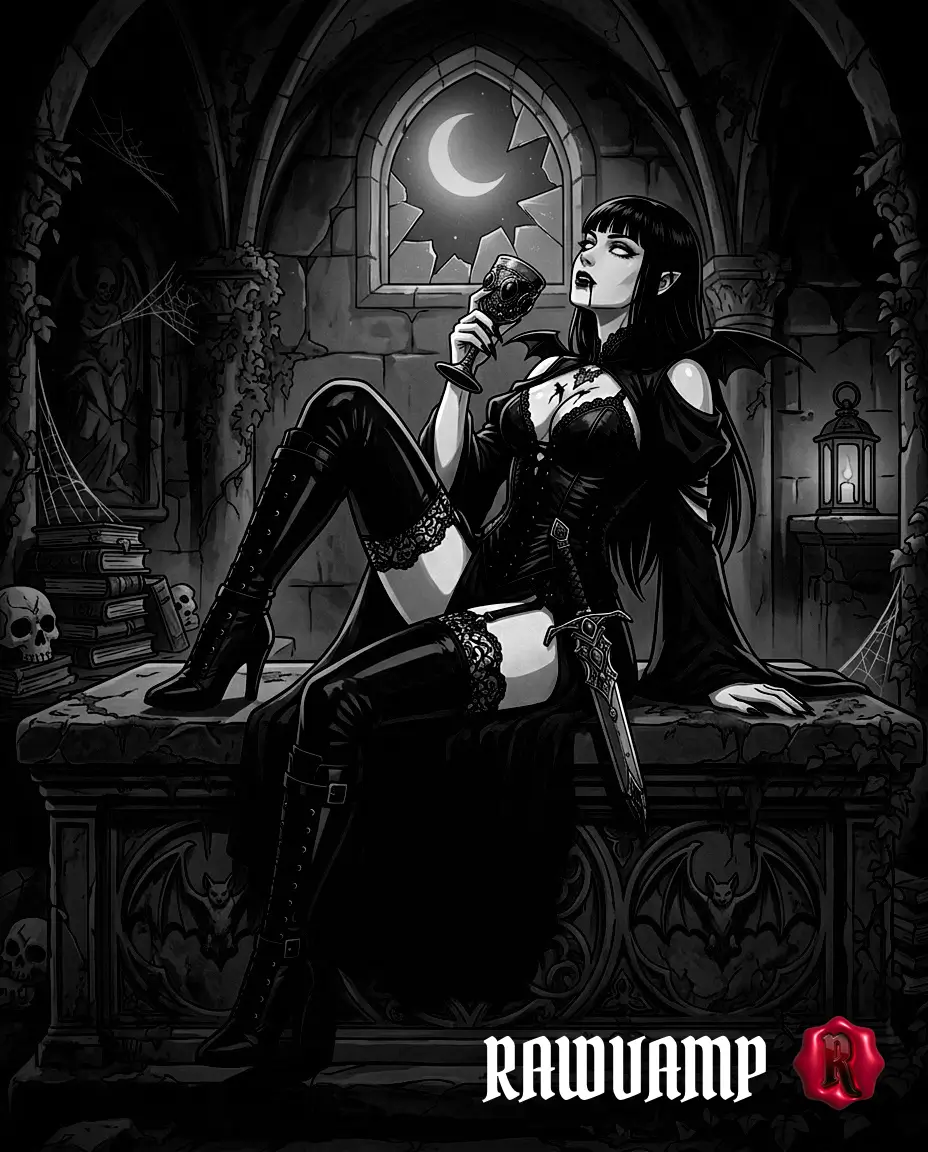
Achieve professional separation via our completely browser-based picture editing website.
Step 1: Set Exposure & Protect Highlights
Noir can handle heavy shadows, but it looks cheap when highlights clip (especially on skin, chrome, and wet pavement). In the RawVamp editor, use the Smart Image Darkener first. If the image feels washed out, lower the exposure slightly to protect skin tones before doing anything else.
Step 2: Decide Your Black Point
This is the creative fork in the road. For a classic cinematic noir, keep a hint of shadow detail so fabric and hair remain readable. For a brutal graphic poster aesthetic, crush the blacks harder using the Intensity slider to achieve a true, unrelenting pitch-black picture.
Step 3: Inject Digital Decay (Grain)
A crisp black and white filter demands texture. Use our Vintage Core Engine to apply procedural film grain. Use fine grain for portraits to keep skin believable, and heavy grain for street, nightlife, and cybercore aesthetics.
Step 4: Noir Atmosphere & Glitch
Noir does not strictly need glitch, but a modern dark aesthetic often benefits from imperfection. Hit the Cursed Generator to inject subtle VHS errors, artifacting, and necro glitch distortion for a Y2K-inspired edit.
3. The Noir Contrast Cheat Sheet
Use this matrix as your baseline inside our free photo editing tools.
| SCENE TARGET | EXPOSURE | CONTRAST | GRAIN | VIGNETTE |
|---|---|---|---|---|
| Portrait / PFP | Slightly Down | Medium-High | Fine | Subtle |
| Night Street (Neon) | Down | Maximum | Medium | Heavy |
| Fog / Smoke | Slightly Up | Medium | Heavy | Subtle |
| Graphic Silhouette | Aggressive Down | Very High | Optional | Optional |
4. Common Mistakes That Ruin Crisp B&W
Most “muddy” results come from these critical errors:
- Over-darkening instead of increasing separation: If you only darken, you get a flat, gray-black image. Crisp noir comes from contrast and tonal spacing, not just lower brightness.
- Crushing blacks everywhere: Crushed blacks can be stylish, but if you remove all shadow detail globally, the image looks low-quality. Preserve detail where it matters (eyes, jawlines, fabric).
- Treating every photo with the same “one-click” look: Noir is lighting-dependent. The same black and white filter can look incredible on a high-contrast street scene and lifeless on flat indoor lighting. Adapt your intensity.
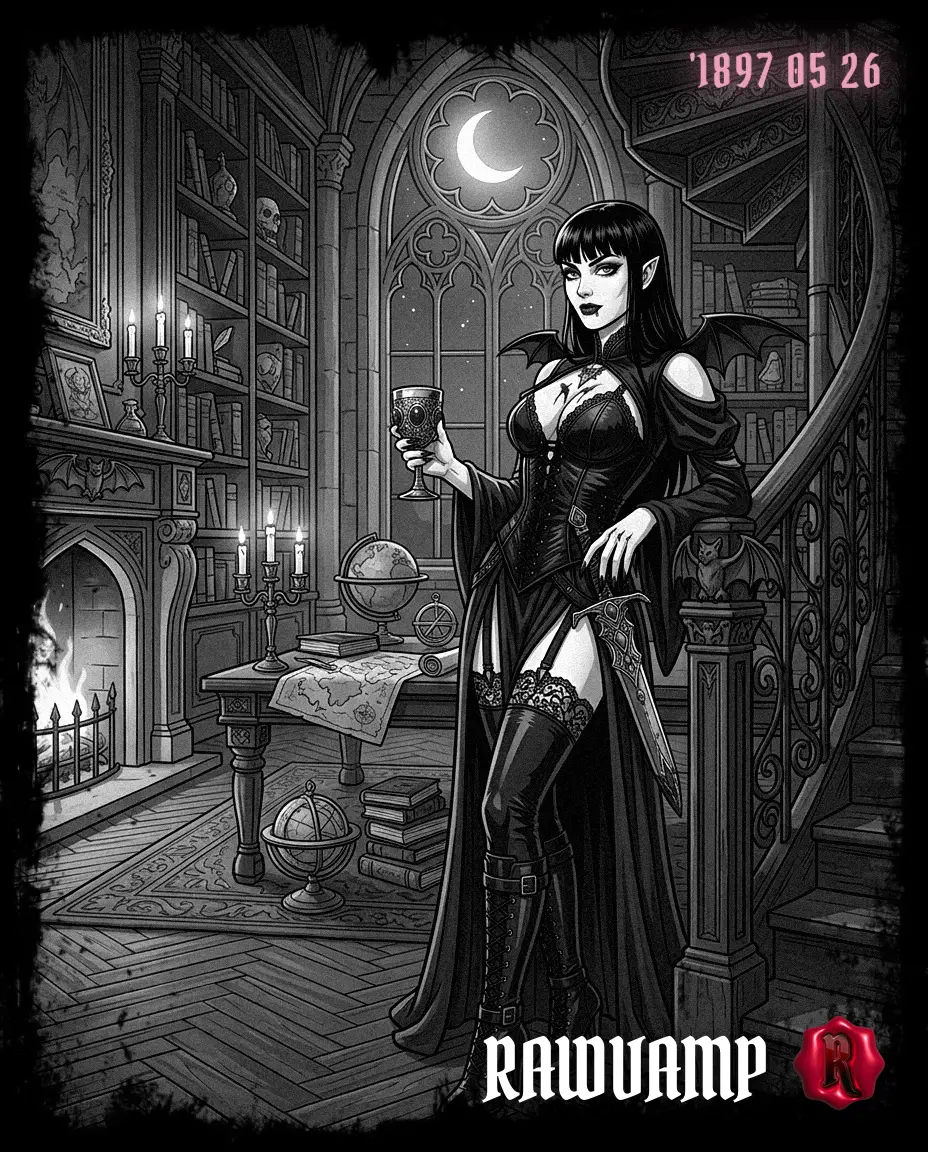
Achieve a flawless aesthetic photo converter result without sacrificing edge sharpness.
5. Fast Series Editing (Batch Noir)
If you are generating a cohesive set for a Pinterest moodboard or a Tumblr feed, consistency matters more than a single perfect image. Avoid generic photo editing websites that watermark your work. RawVamp operates as a professional free online photo editor supporting batch processing and ZIP export. Dial in your perfect Gothic Noir look on one image, toggle "Apply All", and export high-resolution 4K results instantly.
Filter Guide FAQ
What is the best black and white filter for a noir look?
The ideal black and white filter preserves delicate highlight detail while heavily deepening blacks without making them muddy. Our cinematic Noir engine automatically applies this optimal contrast curve to prevent flat grayscale results.
How do I get high-contrast B&W without losing detail?
First, lower your exposure slightly to protect bright highlights. Then, raise the contrast in stages. It's critical to keep some shadow texture in key areas (like hair or dark fabric) and avoid pushing artificial sharpening sliders too hard.
Is RawVamp a fully free online photo editor?
Yes. The core Darkroom operates as a free online photo editor. We process your image effects strictly locally on your device's browser, meaning zero cloud uploads, maximum privacy, and no mandatory sign-ups to download.
How do I add a filter to a photo without downloading software?
You can easily add filter to photo assets directly through your browser. RawVamp is a fully functional web application, meaning you get fast online image processing without installing heavy desktop apps like Photoshop.
Can I use this as an aesthetic photo converter?
Absolutely. If you are curating a Pinterest board, our engine serves as the perfect aesthetic photo converter. We provide over 50+ curated aesthetic filters for photos, ranging from soft vintage grain to harsh cyberpunk monochrome.
Does this picture editing website support high resolution?
Yes, unlike many basic tools, our picture editing website does not aggressively compress your files. As a high resolution photo editor, RawVamp allows you to export your final noir artifacts in full 4K quality.
How to add a glitch effect to image alongside B&W?
Once you apply your monochrome base, you can seamlessly add glitch effect to image layers using our 'Necro Glitch' tool. It shifts RGB channels and introduces procedural noise, perfect for a dark cybercore style.
Can I process images online free without a watermark?
Yes, RawVamp is a photo editor free no watermark platform for standard users. You can explore all our image filters online free and download your crisp noir results without annoying logos ruining your artwork.