We use cookies to analyze traffic and enhance your dark aesthetic experience. By clicking "Accept", you agree to our data protocol.
How to Make Your Photos Dark Aesthetic
Are you looking for a user friendly photo editing app to make photos dark but still with some color? RawVamp is the ultimate browser-based engine featuring lots of different gothic academia presets. Use our free image darkener to apply a filter look and get that perfect Pinterest vibe instantly. It supports all standard image formats.
Featured PINTEREST HACK:
Want to edit inspiration directly from your feed? Get the Official RawVamp Chrome Extension. Right-click images on social media platforms to apply shadow overlays instantly. You can dim photos without downloading them to your desktop.
5.0/5.0 Chrome Web Store Rating
Edit Your Pics to Look Like the Darkest Academia
Explore how our Neural-Bake engine transforms your feed.
RAW ORIGINAL 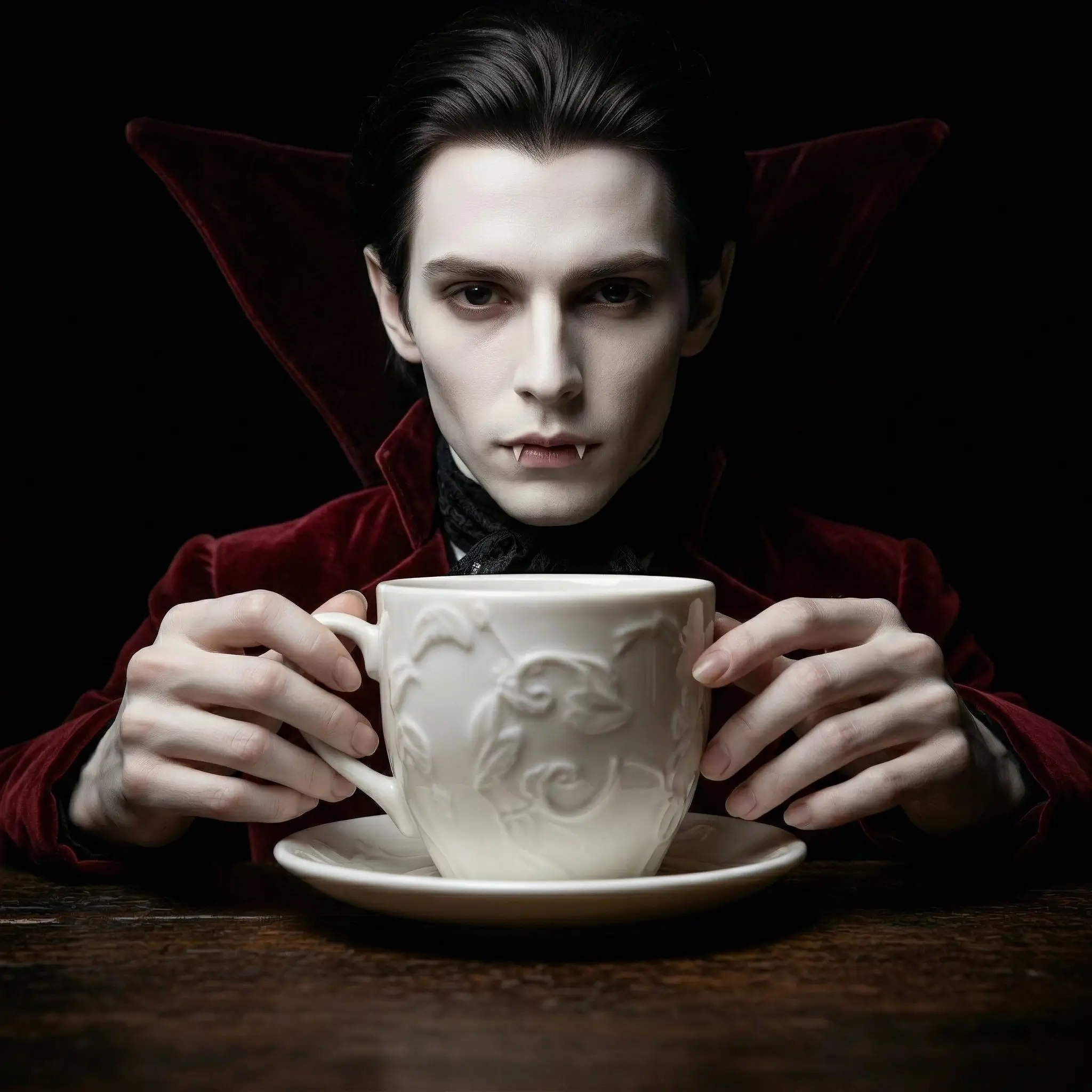
CINEMATIC SHADOWS 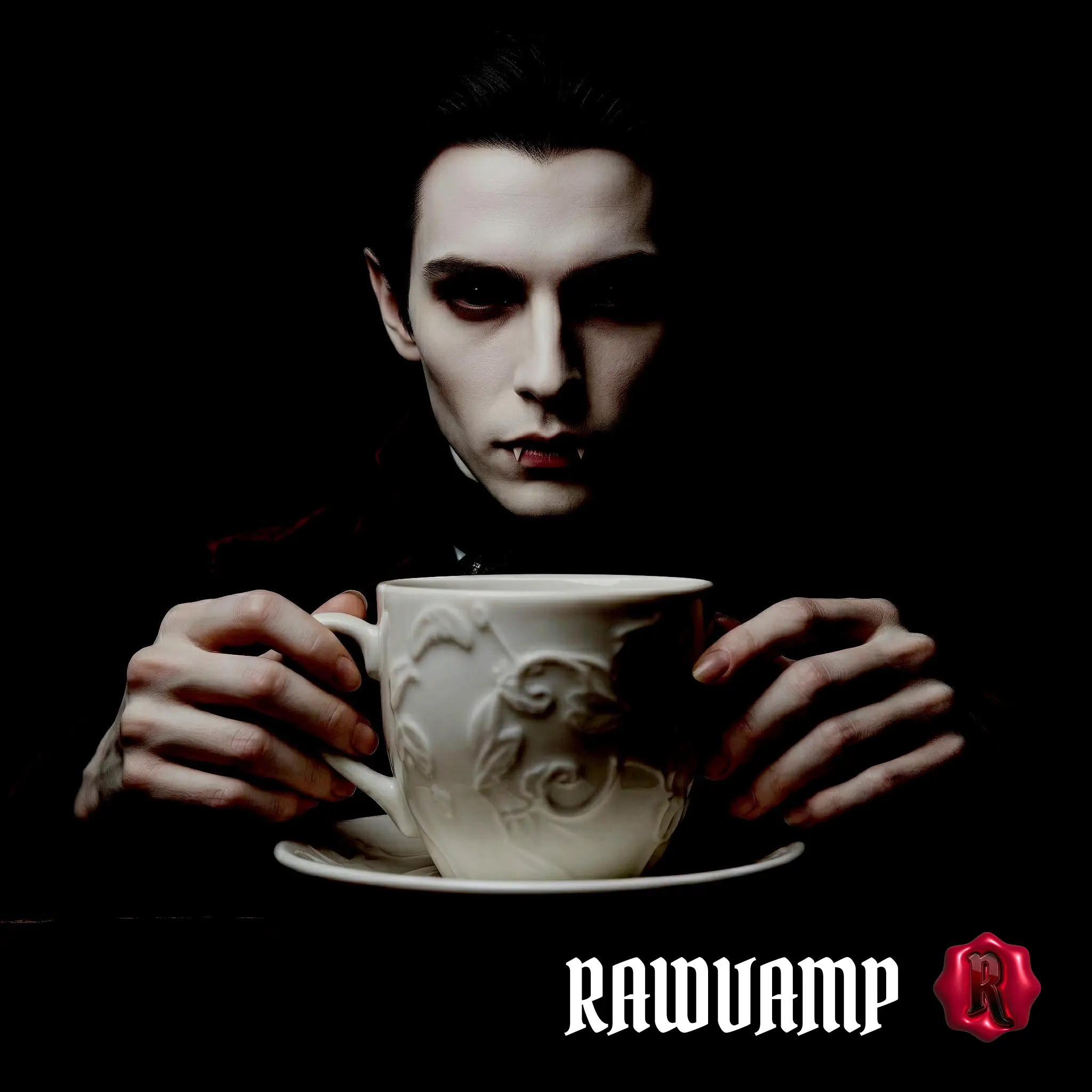
COLOR DARKENER 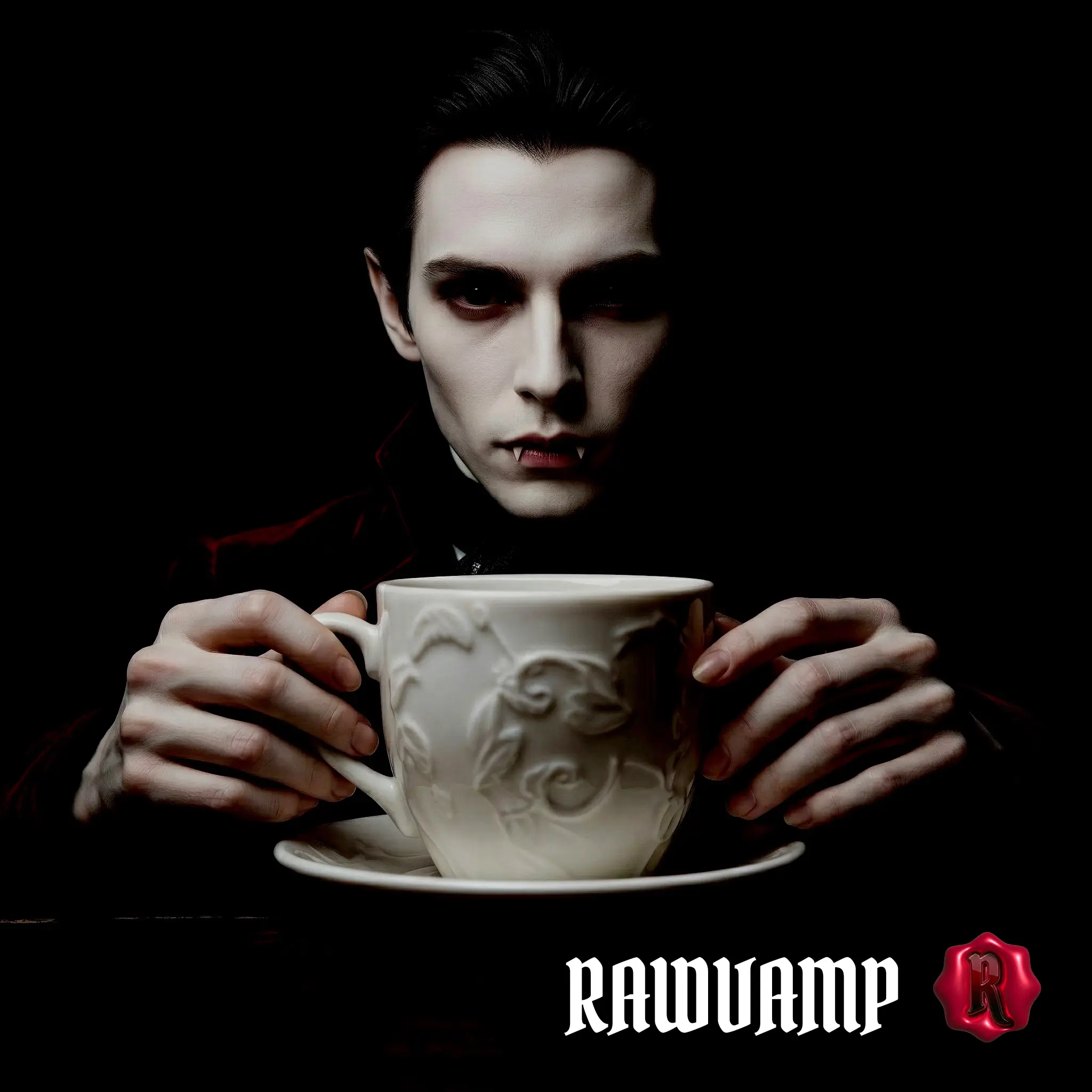
VINTAGE GRUNGE 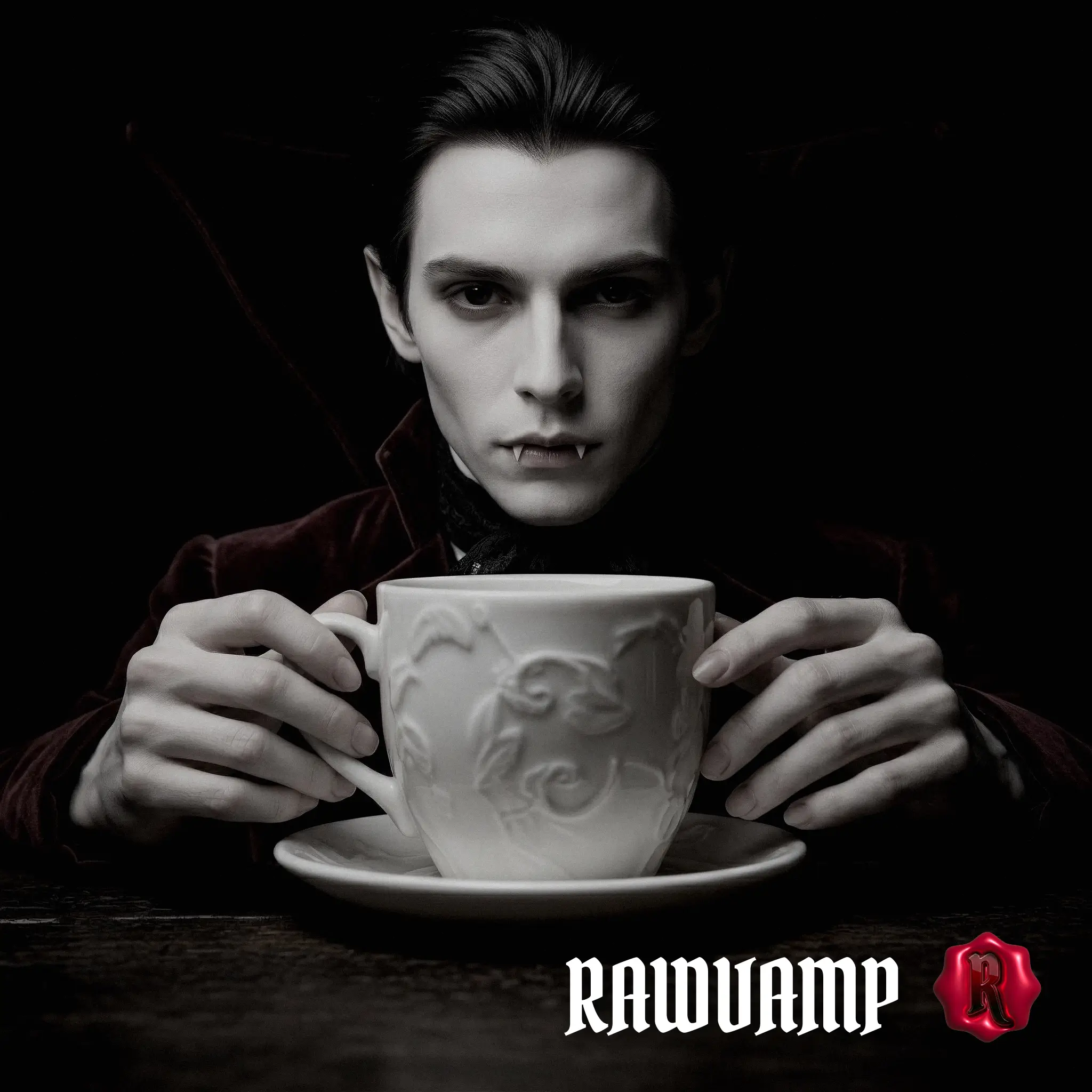
GOTHIC ACADEMIA 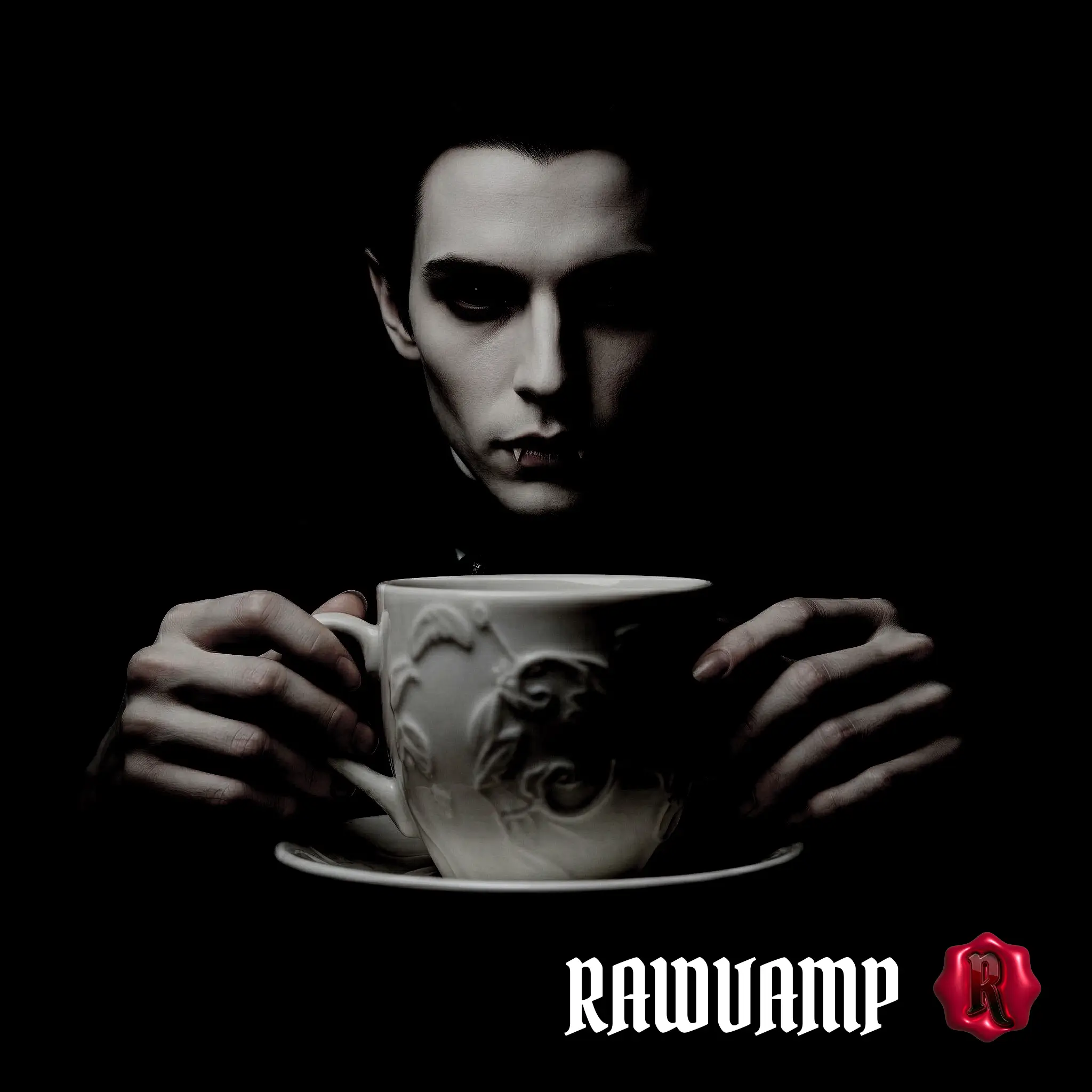
VAMPIRE AESTHETIC 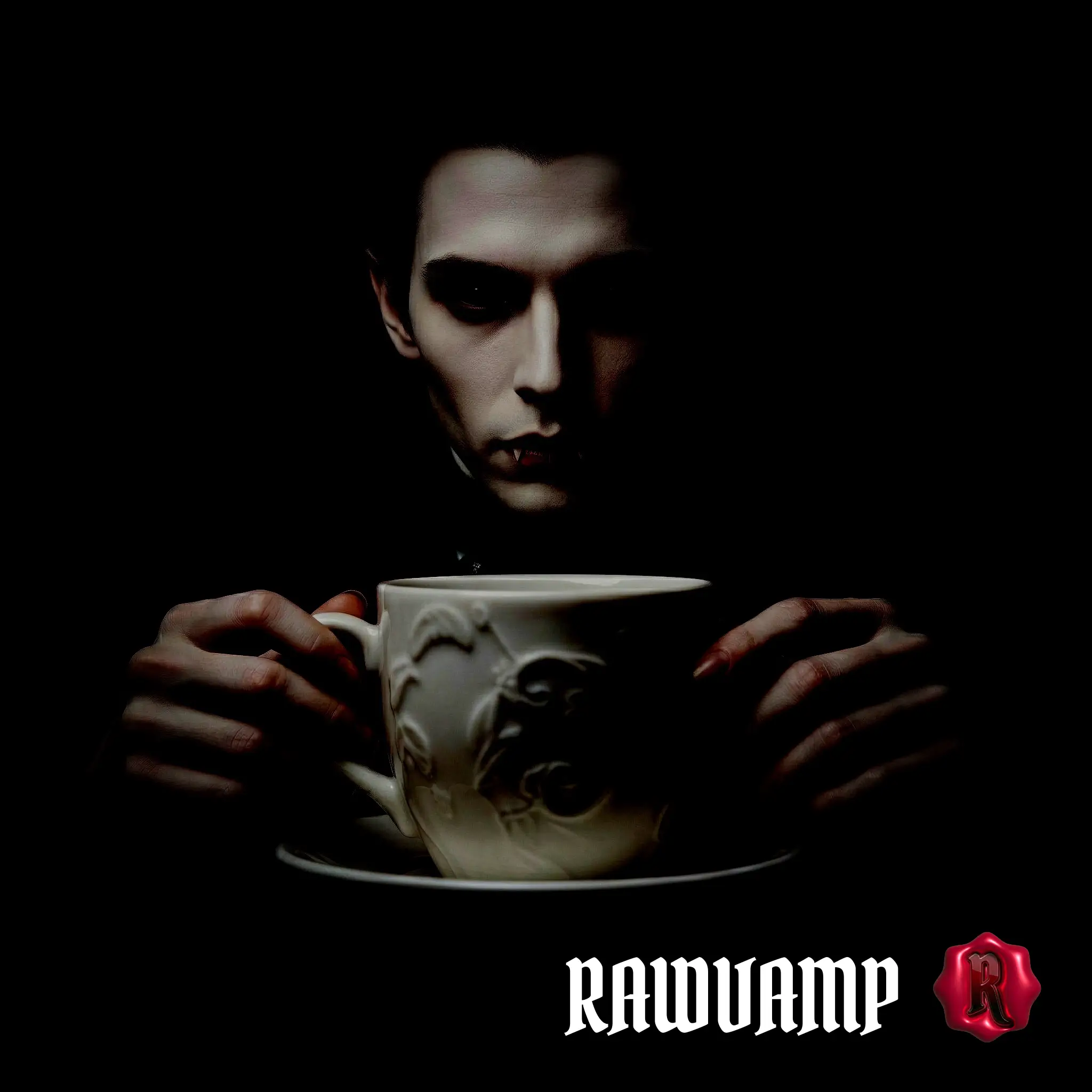
How do you edit/filters your pics?
If you're asking Reddit how to get that Pinterest-perfect moody vibe, here is the secret workflow using the RawVamp Darkroom:
1
Drop Your Photo
Upload your image into our professional picture darkener. It processes locally for maximum privacy.
2
Apply a Preset
Click the Smart Darken icon in the top toolbar. The engine will drop the exposure while protecting rich colors.
Smart Darken Tool
3
Hold to Compare
Press and hold the Compare button to see your original photo. This ensures your new gothic academia filter isn't washing out details.
Compare
4
Fine-Tune the Darkness
For an extreme aesthetic, open the Effects & Tools panel. Use the intensity slider to manually crush contrast or boost your color palette.
Beyond Basic Phone Apps
If you've been asking "Is there a photo editing app to darken photo online but still with some color?", you probably noticed that most phone apps just slap a gray overlay on your image. They wash out the vibrancy, making your photos look dull instead of atmospheric. Whether you are editing a scenecore pfp or a profile pfp dark aesthetic, you need precision.
RawVamp operates on a custom WebGL engine. It manipulates luminance channels directly to provide a high quality dark aesthetic filter. The engine crushes blacks for true black editing. This creates a deep gothic style or a film camera vibe. It simultaneously boosts midtone saturation. Your reds stay bloody and your blues stay freezing. You will easily find your perfect aesthetic.
Discover Your Vibe
Explore our Filter Library inside the studio.
Gothic Academia
Edit your pics to make them look like the darkest gothic academia. Think old libraries, crushed shadows, and vintage charm.
Dark But Colorful
The exact image darkener you need to dim photo layers but still with some color. We protect your saturation while dropping exposure.
Pinterest Ready
Learn exactly how to make your photos dark aesthetic for your moodboards or an aesthetic black pfp.
The Darkest Aesthetic
To make an image black or generate a very dark picture, our engine handles extreme edits flawlessly.
THE TONE PROTOCOL
The Ultimate Image Darkener: Absolute Control
You might need a moody dark fantasy vibe or a sharp gothic architecture look. Perhaps you seek the ultimate dark aesthetic pfp. Use these manual tools to fine tune the perfect shadows.
Underexpose with Intent
Drop the exposure to instantly kill harsh daylight highlights. Create a brooding, cinematic base, apply a blackout tint or create a pitch black photo.
Crush or Fade Shadows
Push the contrast up for a harsh, striking darkening filter look, or drop it low for a transparent blur overlay.
Preserve Core Colors
Use the color darkener to keep deep reds popping while rendering a flawless pfp overlay or to darken background of photo without losing the subject.
Atmospheric Shift
Cool the tint down for a frozen, twilight vampire feel, or warm it up for a cozy, nostalgic dark academia library vibe for your dark images.
Aesthetic Editing FAQ
Is there a tool to darken an image online but keep color?
Yes! RawVamp is specifically designed for this. Standard phone apps just lower the brightness, which turns colors gray. Our image darkener selectively drops exposure while boosting your color palette. This allows you to dim photos, fine tune the light and dark balance, and still keep rich colors.
How to make your photos dark aesthetic for Pinterest?
To achieve a Pinterest-ready aesthetic, you need crushed blacks and cinematic grain for perfect dark mode pics. Upload your image to our darken app and apply the "Obsidian Tears" or "Cinematic Protocol" preset. This is exactly how to make your photos dark aesthetic effortlessly.
How do you edit pics to look like darkest gothic academia?
Users often ask how to edit pictures for that dead poets society vibe. The secret lies in warm undertones with heavy shadows. Use our engine to darken picture online. Try the "Blood Moon" preset to transform bright images into a dark academia aesthetic.
How to get a vintage camera filter AI look?
Our engine processes images to mimic old film photography. Use the "Camcorder 1998" preset in our editor to apply authentic scan lines texture. This adds depth and a vintage camera filter ai aesthetic instantly.
What is a negative photo filter and how to use it?
A negative photo filter inverts luminance and color channels to negate picture colors. In RawVamp, you can toggle the 'Invert' switch inside the Tone Protocol panel to instantly solarize tint and create a highly stylized, high-contrast look.
How to create an evil photo or cursed aesthetic?
Upload your picture and hit the CURSED generator button. It dynamically applies a mix of vhs glitch effect overlays, RGB shifting, and negative contrast to generate a really dark picture or diabolical images.
How to add a shadow overlay without Photoshop?
Instead of faking it with PNGs, lower the brightness to darken background of photo. This highlights the subject, which is perfect for gothic architecture photography or contrasting a light academia vibe.
Can I use this for a scenecore PFP or Y2K PFP?
Absolutely. RawVamp is an ideal avatar maker. Apply our glitch core filters to create a glitchcore aesthetic. Adjust the darkness and crop your image for a perfect emo pfp aesthetic or weirdcore aesthetics.
Why does Instagram darken my photos?
Why does Instagram darken my photos when I upload them? Instagram applies its own compression algorithms. Instead of relying on their filters, use our picture darkener first. You can control the exact settings to make darker images seem interesting before uploading.